
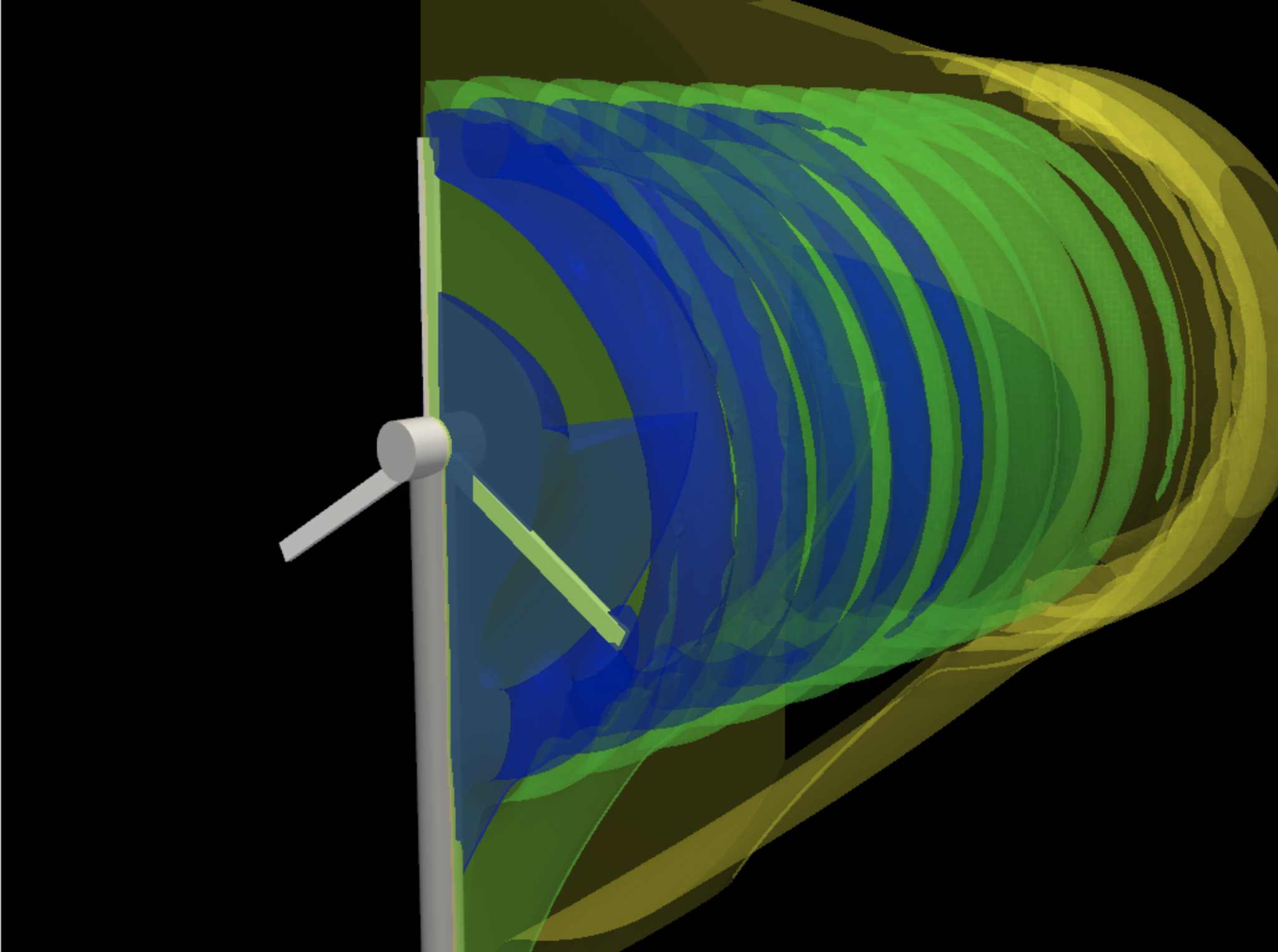
CFD wake visualization
Flow simulations and vortex/wake fields can be generated as notebook artifacts, then inspected with the model code beside them.
Ver CFD & Aerodynamics →Vicena da al agente un JupyterLab persistente en la nube para Python científico. Pide modelado, simulaciones, cálculos, gráficos, ajuste o química computacional, y el agente crea el cuaderno con código y salidas visibles. Algunos flujos avanzados usan Rowan mediante Vicena Compute.
JupyterLab
Python + SciPy
Rowan workflows
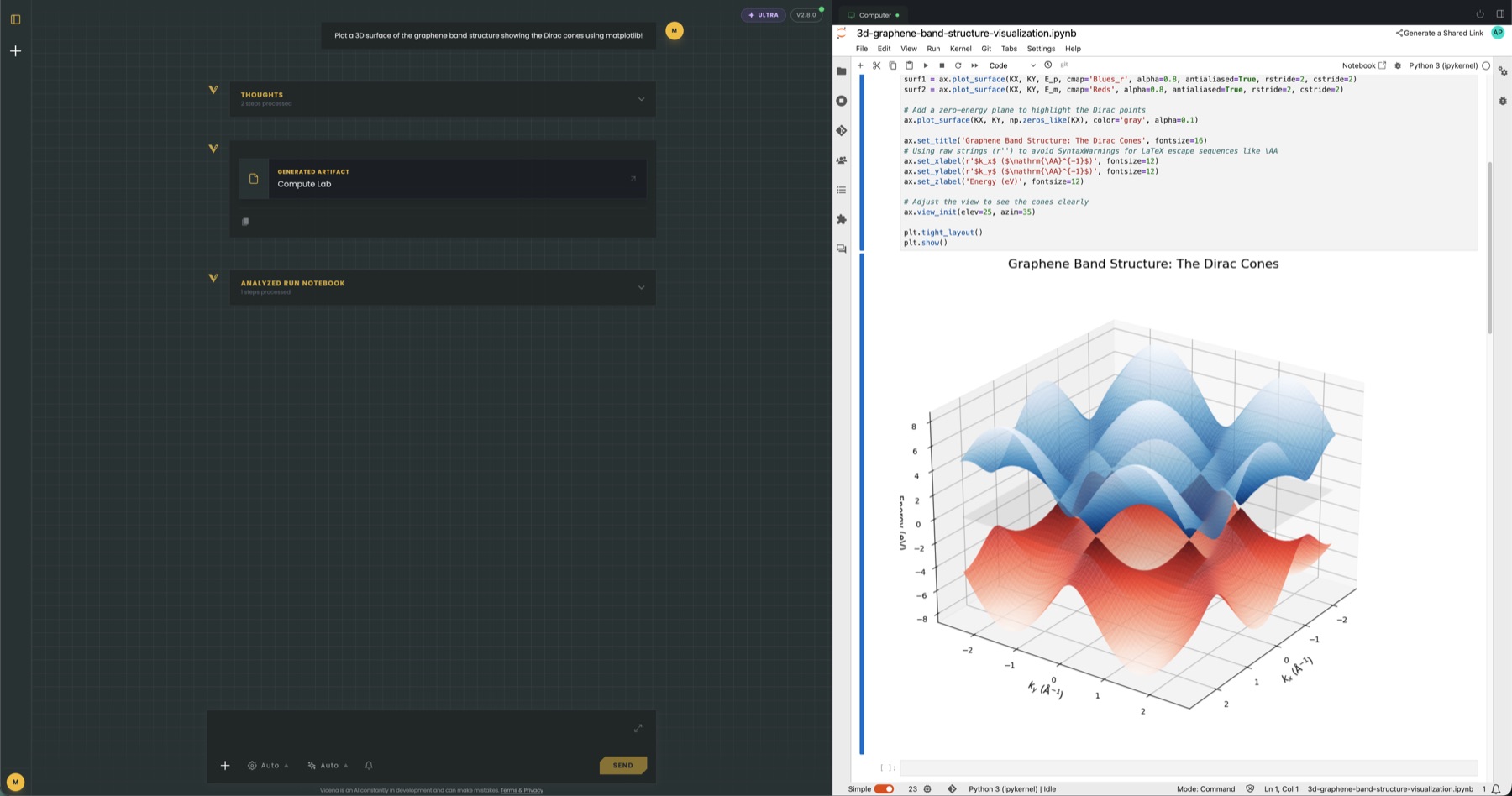
Vicena crea cuadernos, escribe celdas, las ejecuta, lee salidas, corrige errores y mantiene el cuaderno visible para inspeccionar cada paso.
Usa Python, NumPy, SciPy, pandas, matplotlib, RDKit, PySCF, ASE, flujos del SDK de Rowan y paquetes instalables dentro del mismo entorno persistente.
Route selected advanced molecular modeling workflows through Vicena Compute while keeping inputs, workflow IDs, result tables, plots, and files in the notebook.
Notebook files, generated figures, local datasets, Rowan workflow metadata, and installed packages stay with the Science Computer feature so later chats can continue from prior work.
Aplicaciones de simulación
Elige un campo para ver un flujo real, resultados visuales ejecutados, los paquetes científicos y el límite entre una simulación exploratoria y una conclusión validada.
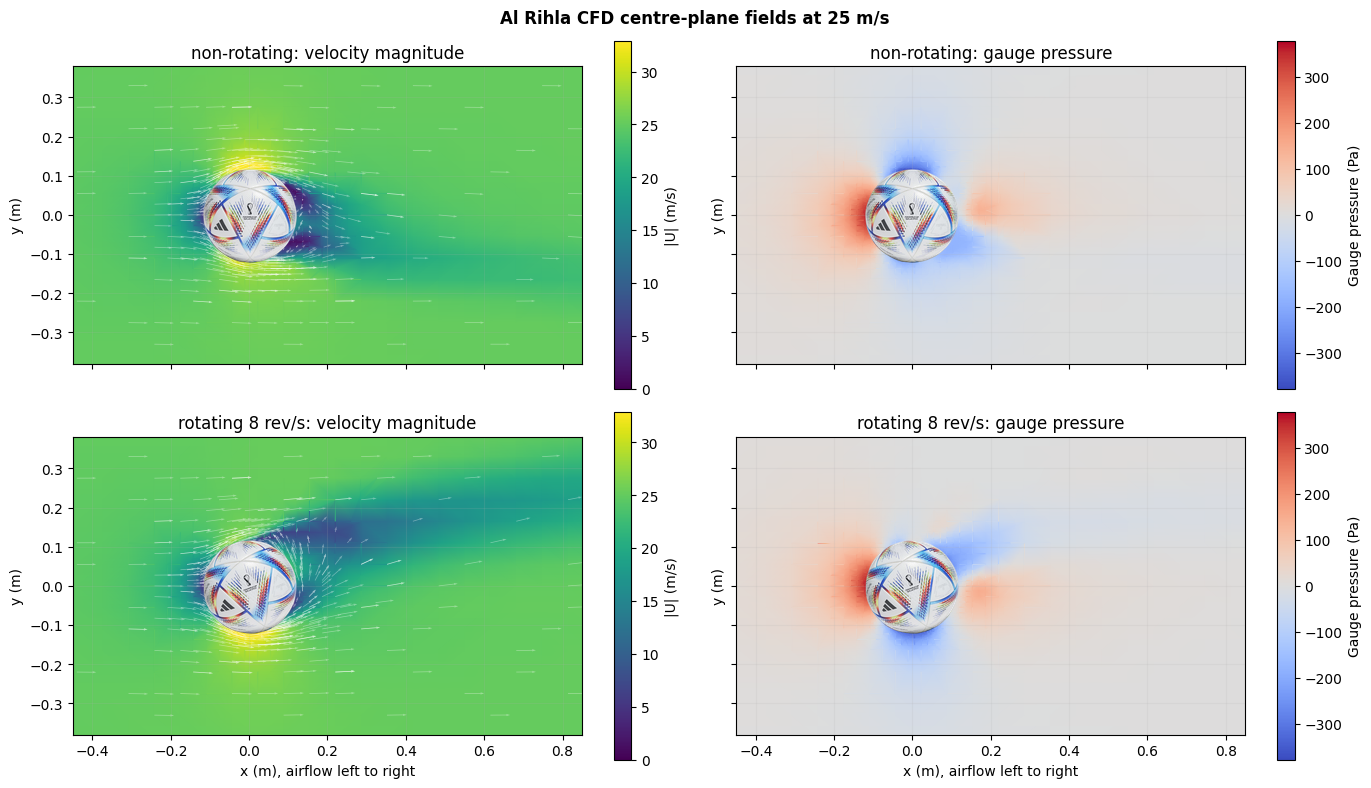
Reparación geométrica, mallado ajustado al cuerpo, flujo estacionario y transitorio y verificación aerodinámica.
Abrir página de aplicación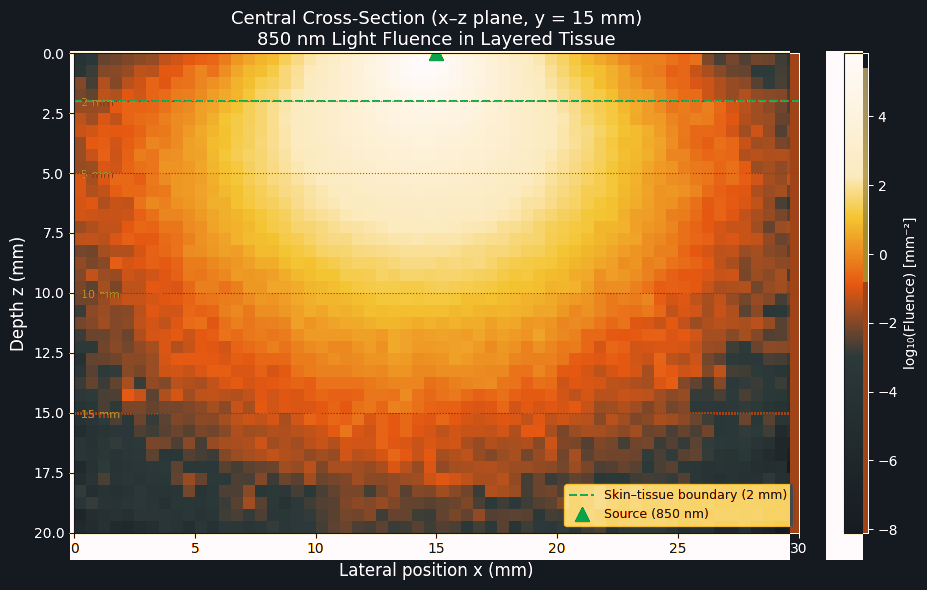
Transporte de fotones, campos electromagnéticos, modos fotónicos, renderizado, optimización y análisis de sensibilidad.
Abrir página de aplicación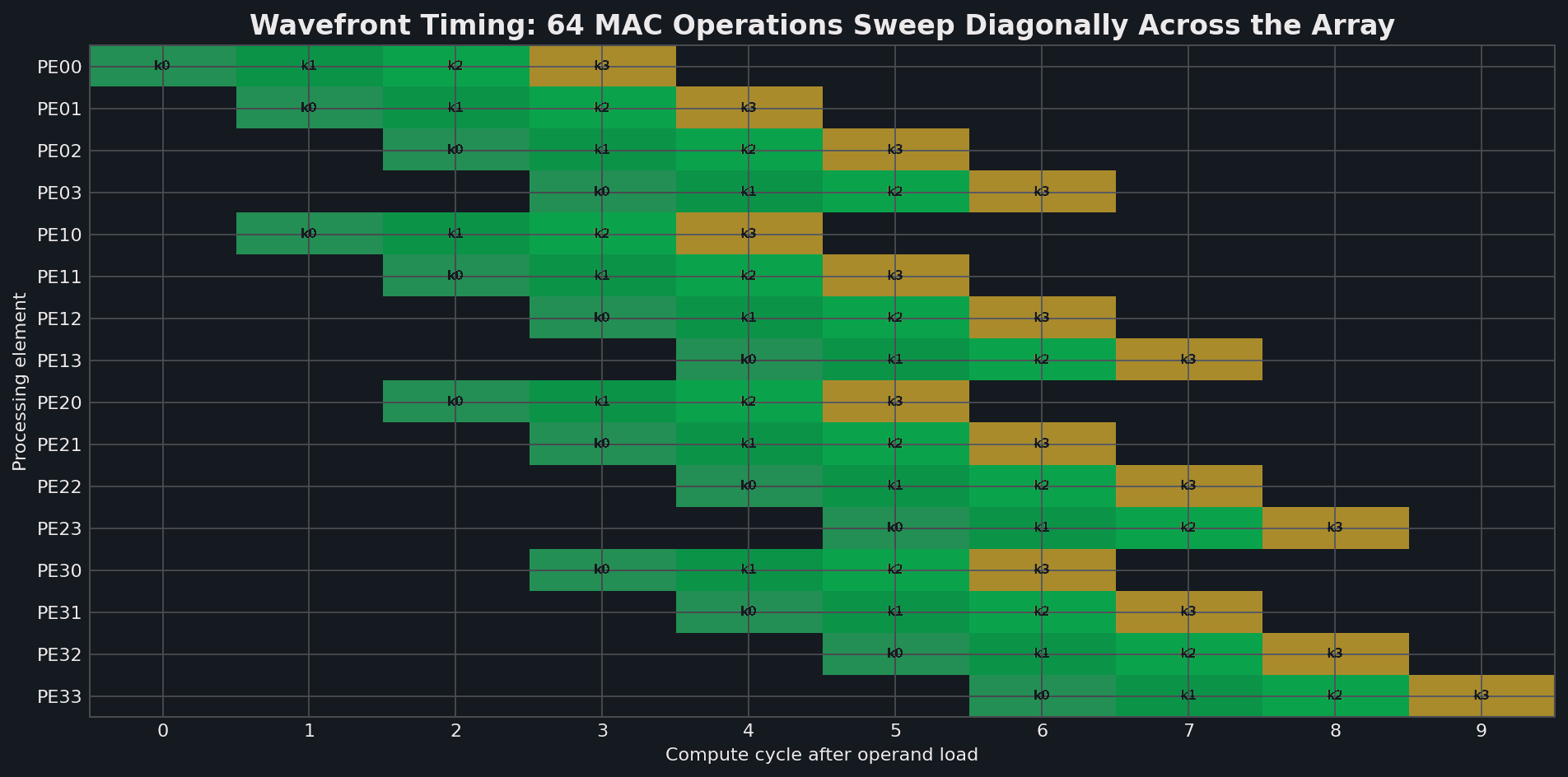
Simulación RTL, lint, síntesis, diseño físico con PDK públicos, inspección de layout y física de dispositivos.
Abrir página de aplicación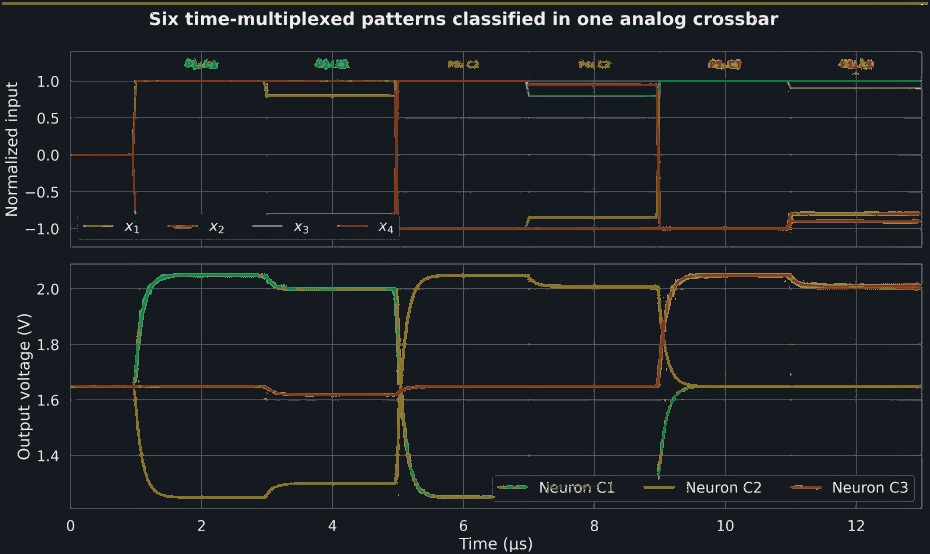
Punto de operación, DC, AC, transitorio, ruido, medición y análisis del dispositivo al circuito.
Abrir página de aplicación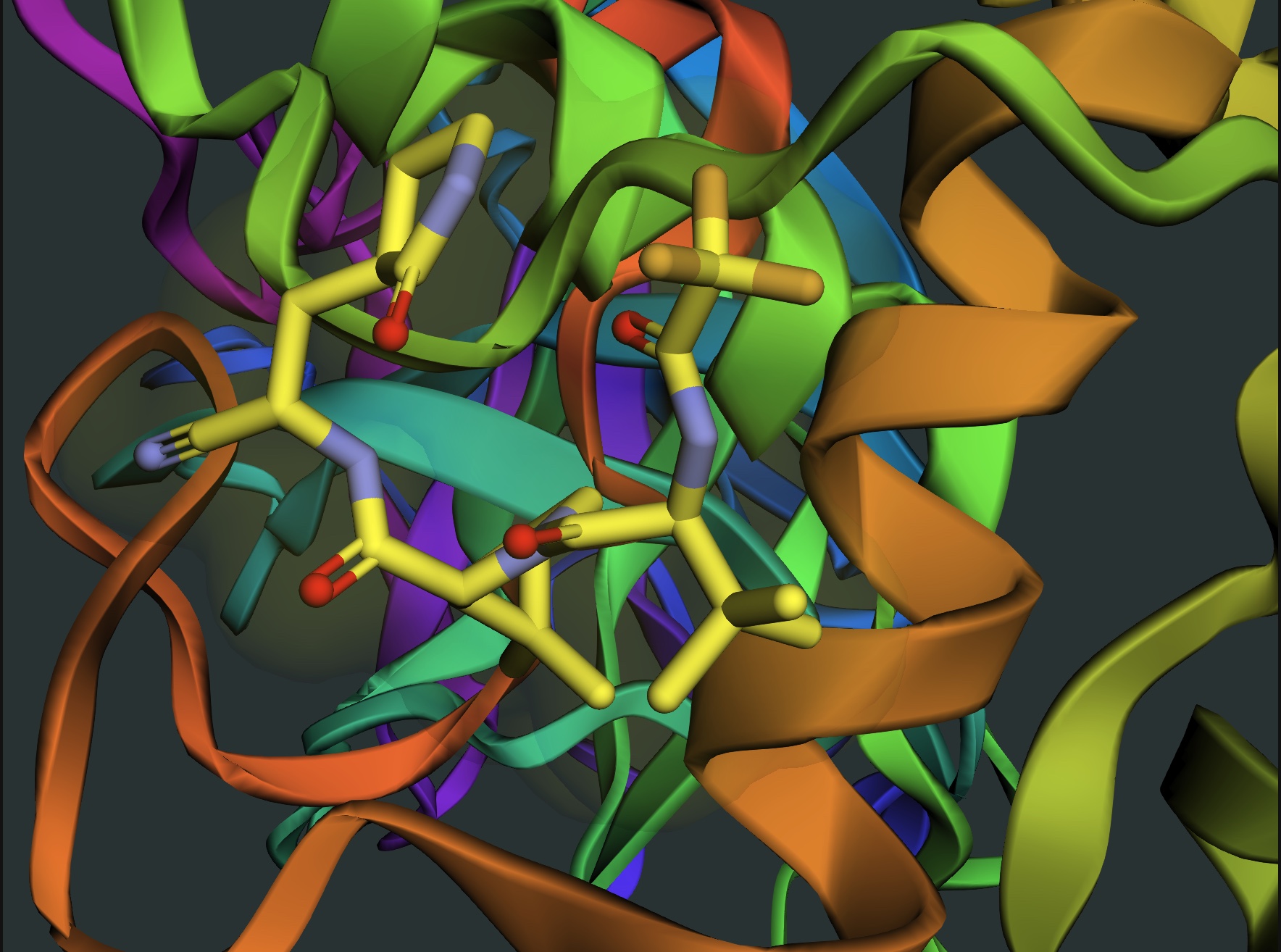
Química cuántica, simulación molecular, co-plegamiento de proteínas, docking, energía libre y flujos geométricos.
Abrir página de aplicaciónPara qué sirve
Use it for work that needs execution: notebooks, code, calculations, simulation, modeling, plots, and reproducible analysis. The agent can reason in chat, then move into Jupyter when the work needs code.
Create a notebook for ODEs, reaction kinetics, transport, growth curves, population dynamics, or parameterized scientific models.
Do dimensional analysis, numerical integration, uncertainty propagation, fitting, optimization, statistics, and sanity checks with visible code.
Sweep parameters, generate plots, compare scenarios, inspect residuals, and iterate until the result matches the scientific question.
Submit bounded molecular modeling jobs, poll status, retrieve results, and turn Rowan outputs into plots, tables, and CSV files.
Modelado molecular
Use Vicena Compute as the interface for advanced chemistry jobs: descriptors, pKa, conformers, tautomers, docking, molecular dynamics, orbitals, and related modeling workflows. The agent keeps the notebook visible, saves outputs, and respects computation-credit limits before submission.
Explorar química computacional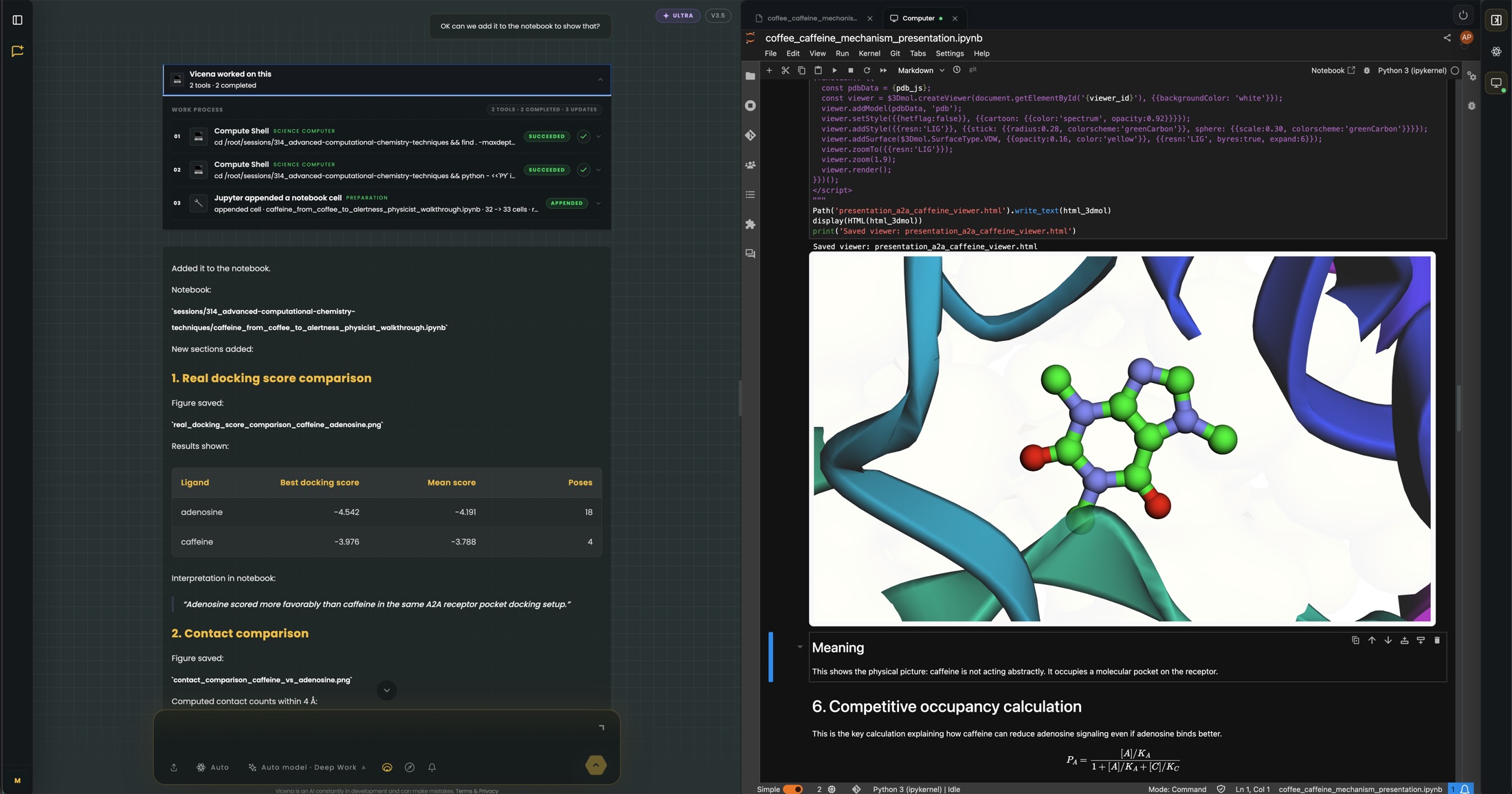
Gateway routed
Workflow IDs saved
Plots and CSV files
Notebook evidence
Celdas, gráficos, figuras y artefactos permanecen visibles para inspeccionar, extender y cuestionar el trabajo en lugar de perderlo en un resumen.
Flow simulations and vortex/wake fields can be generated as notebook artifacts, then inspected with the model code beside them.
Ver CFD & Aerodynamics →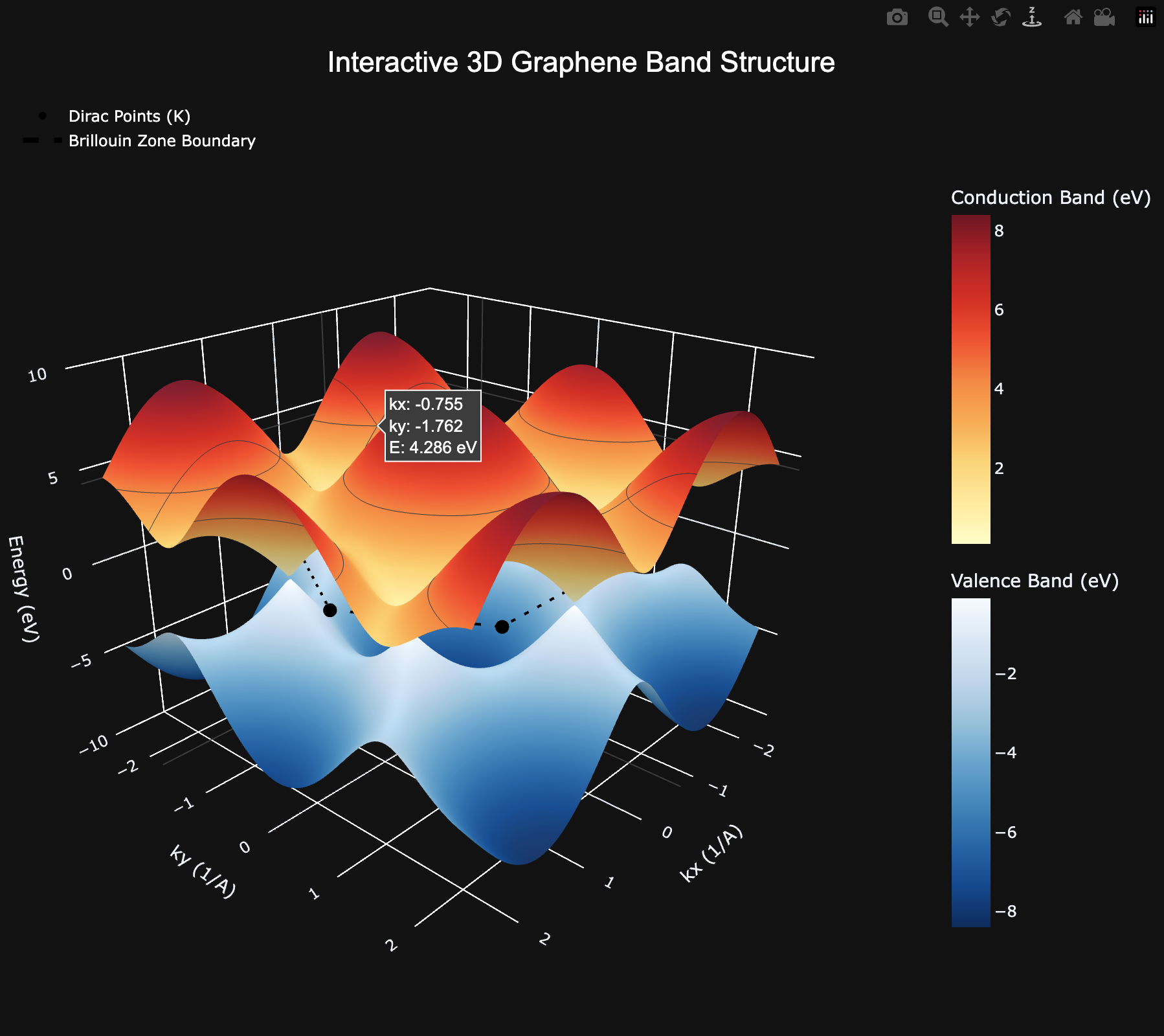
Interactive 3D electronic-structure plots can be generated from notebook code and inspected alongside the assumptions.
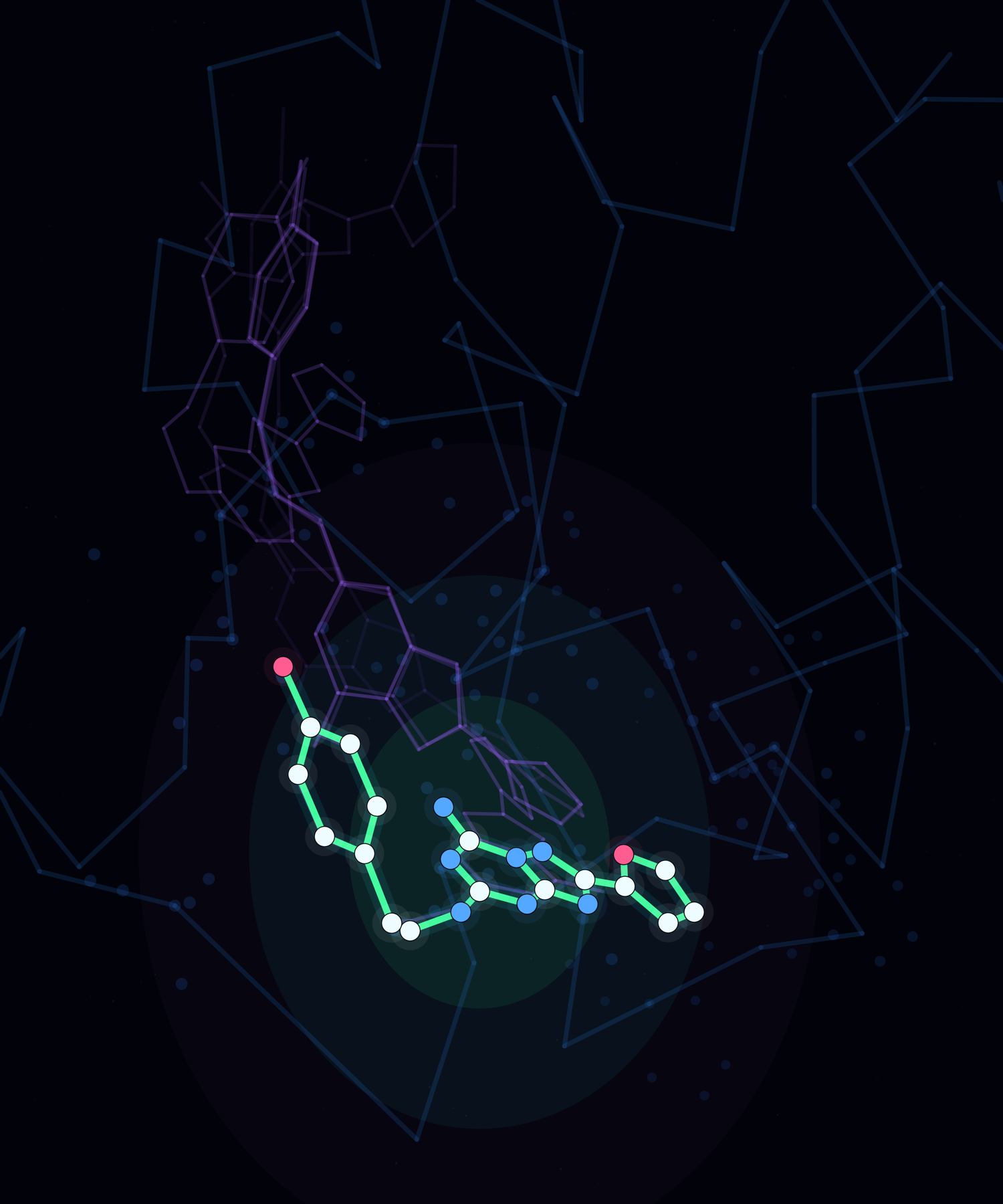
Rowan-powered molecular modeling outputs stay with the notebook as inspectable pose ensembles, figures, tables, and files.
Flujo del agente
The important part is not that Vicena can write code. It can keep the code, the result, the error trace, the figure, and the scientific explanation in one reviewable notebook.
Define the scientific question, assumptions, inputs, and expected outputs.
Create notebook cells with code, formulas, markdown notes, and plotting logic.
Execute cells, inspect errors and outputs, then update the notebook in place.
Summarize results, limitations, next experiments, and artifacts to preserve.
Solicitudes de ejemplo
Each request opens Vicena with a concrete notebook task. The agent should create the notebook, execute cells, and report what it learned from the outputs.