
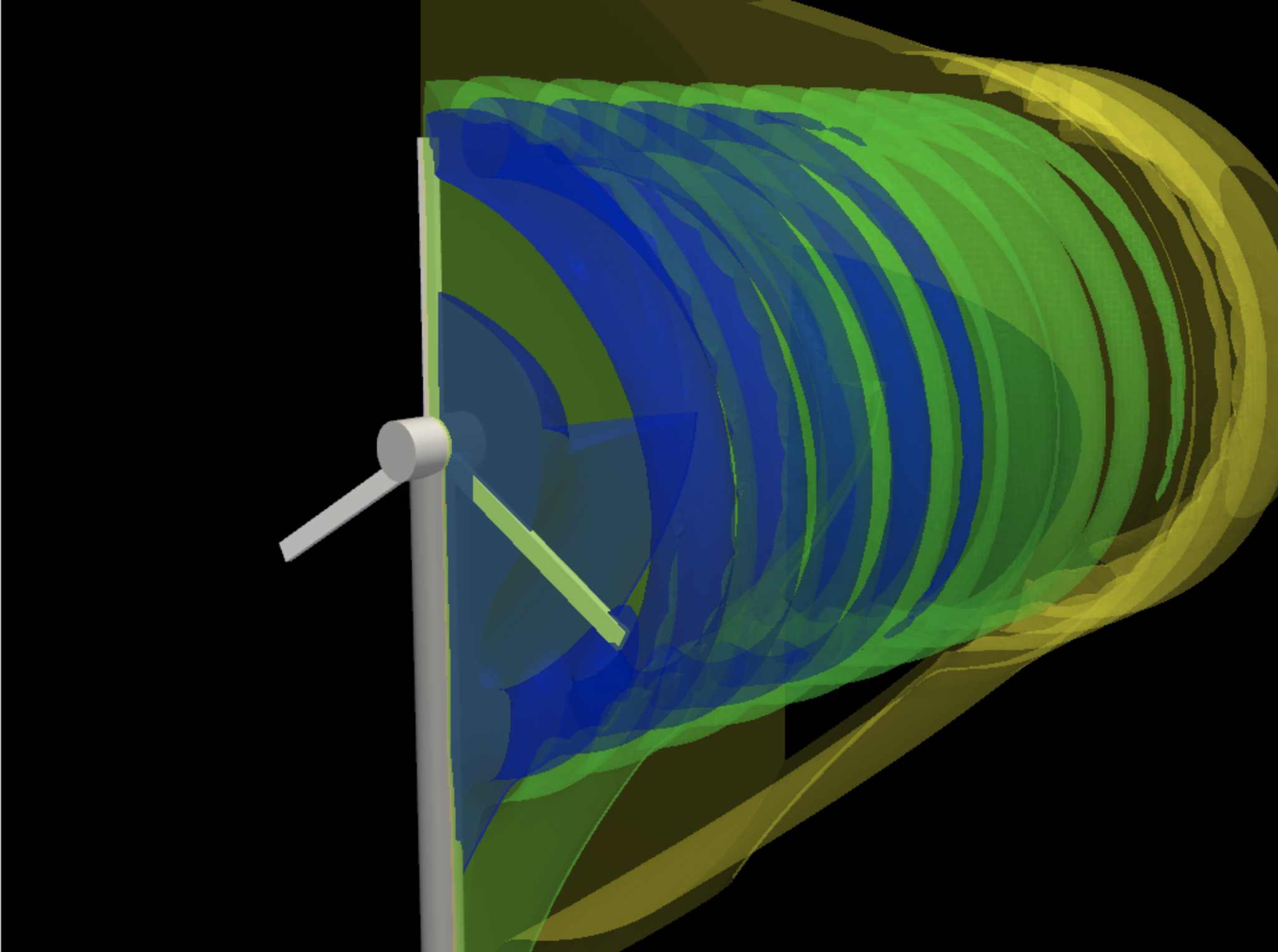
CFD wake visualization
Flow simulations and vortex/wake fields can be generated as notebook artifacts, then inspected with the model code beside them.
Explore CFD & Aerodynamics →Vicena gives the agent a persistent cloud JupyterLab for scientific Python. Ask for modeling, simulations, calculations, plots, fitting, or computational chemistry, and the agent builds the notebook with visible code and outputs. Selected advanced molecular modeling workflows are powered by Rowan through Vicena Compute.
JupyterLab
Python + SciPy
Rowan workflows
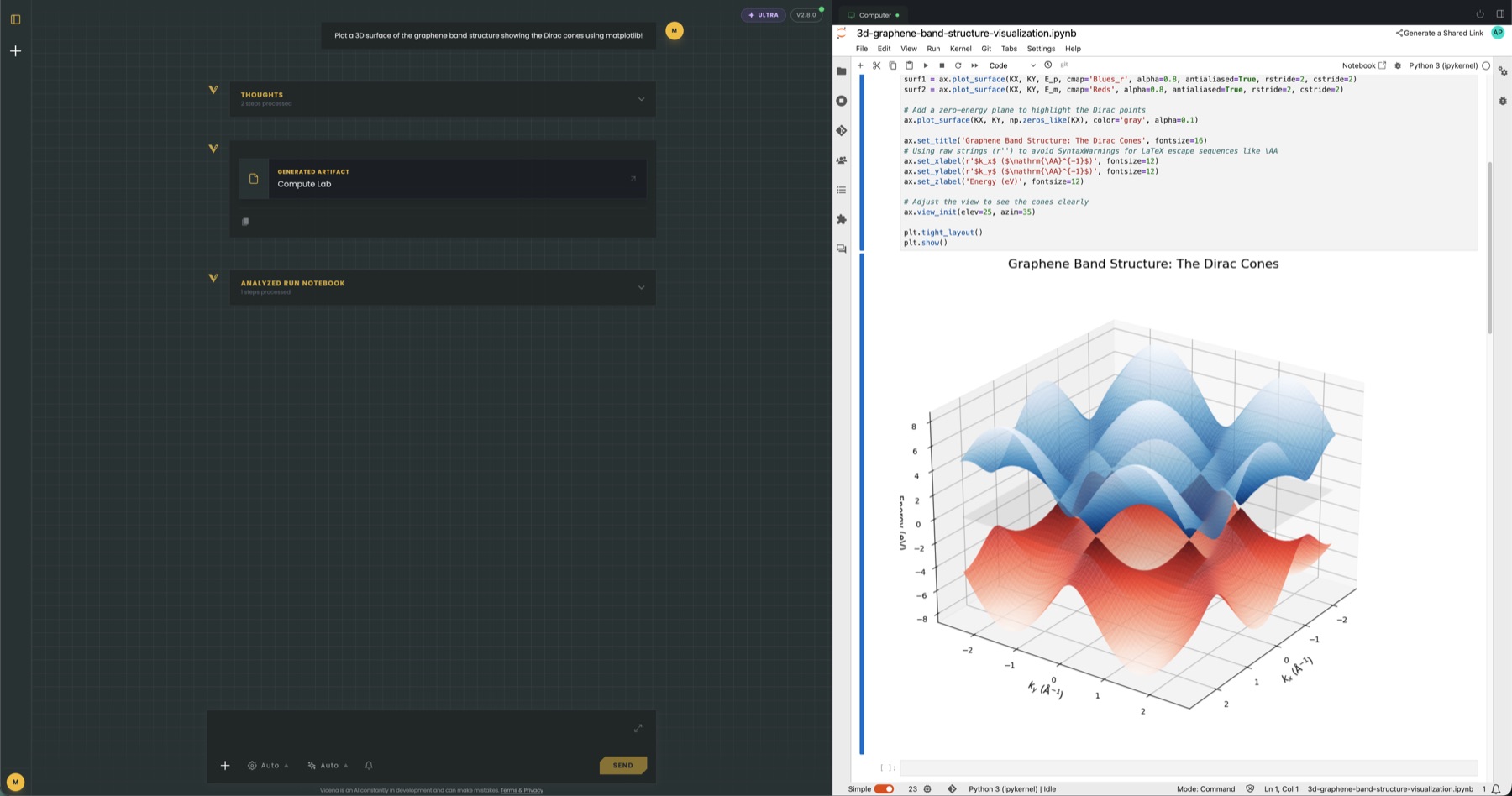
Vicena creates notebooks, writes cells, runs them, reads output, fixes errors, and keeps the notebook visible so you can inspect every step.
Use Python, NumPy, SciPy, pandas, matplotlib, RDKit, PySCF, ASE, Rowan SDK workflows, and installable packages inside the same persistent environment.
Route selected advanced molecular modeling workflows through Vicena Compute while keeping inputs, workflow IDs, result tables, plots, and files in the notebook.
Notebook files, generated figures, local datasets, Rowan workflow metadata, and installed packages stay with the Science Computer feature so later chats can continue from prior work.
Simulation applications
Choose a scientific field to see a real workflow story, executed visual results, the packages behind the work, and the boundary between an exploratory simulation and a validated conclusion.
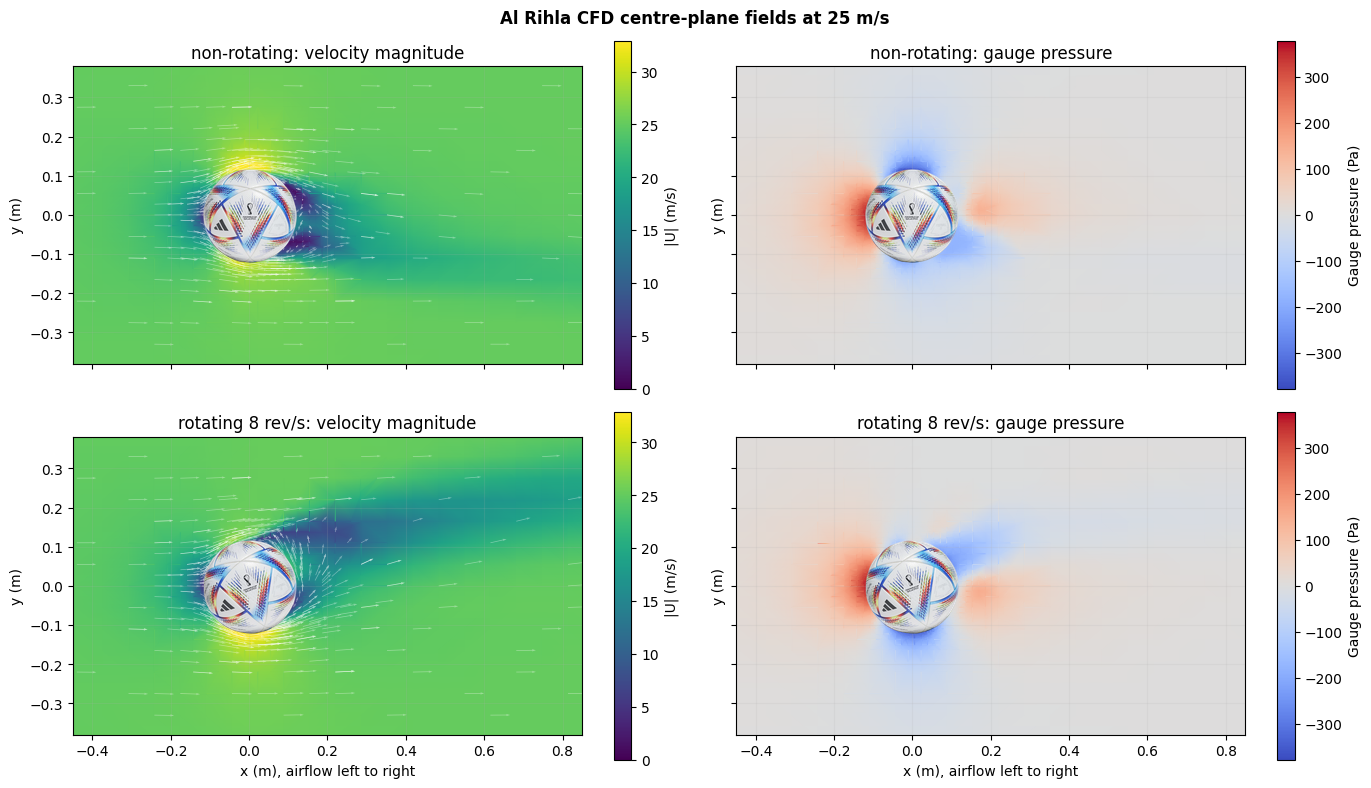
Geometry repair, body-fitted meshing, steady and transient flow, and aerodynamic verification.
Open application page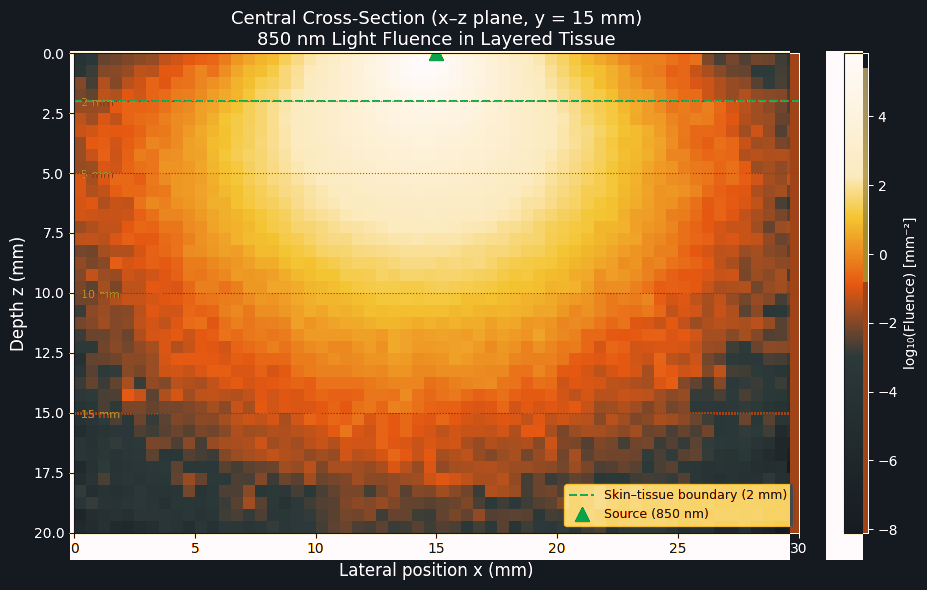
Photon transport, electromagnetic fields, photonic modes, rendering, optimization, and sensitivity analysis.
Open application page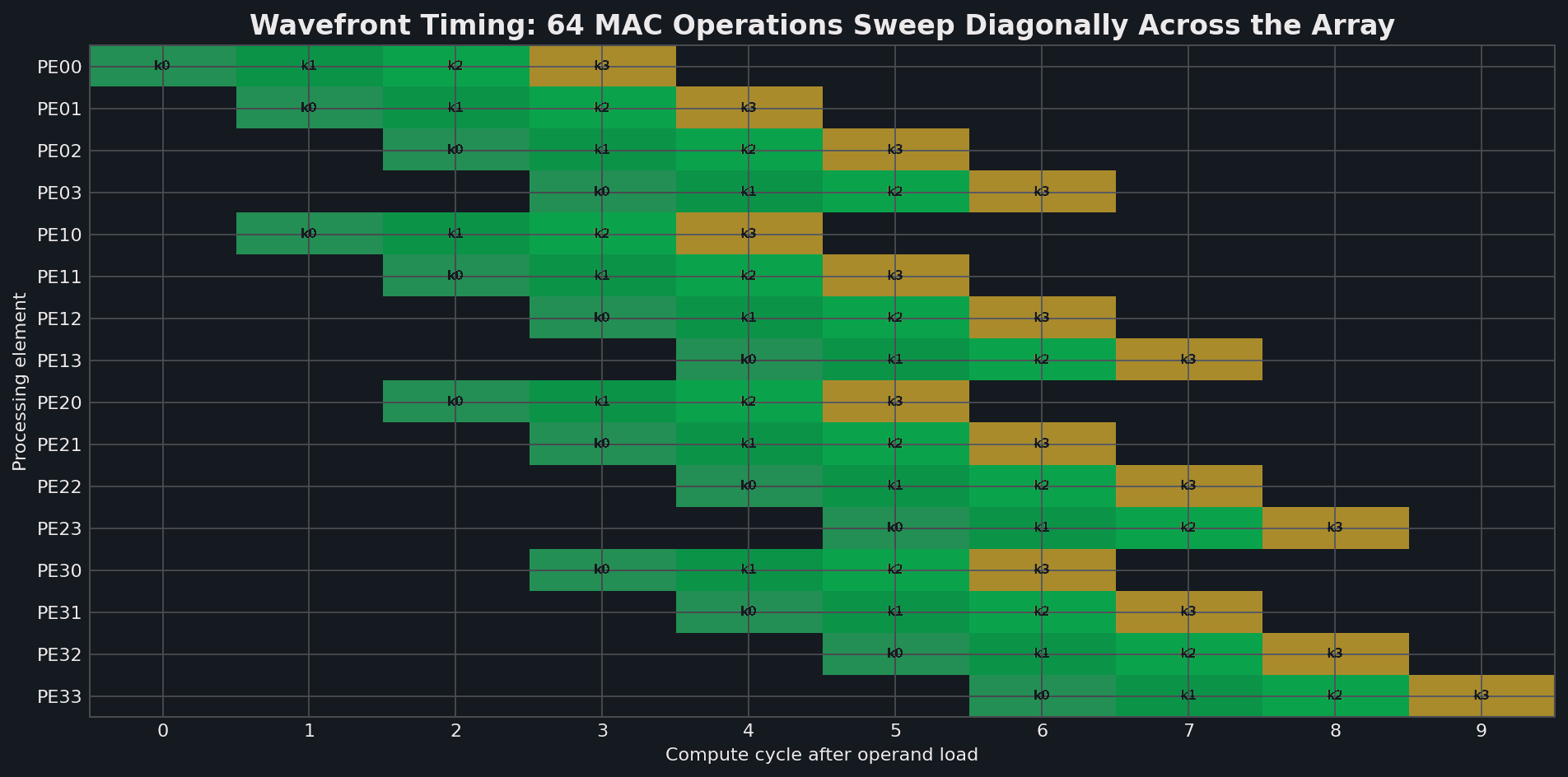
RTL simulation, lint, synthesis, public-PDK physical design, layout inspection, and device physics.
Open application page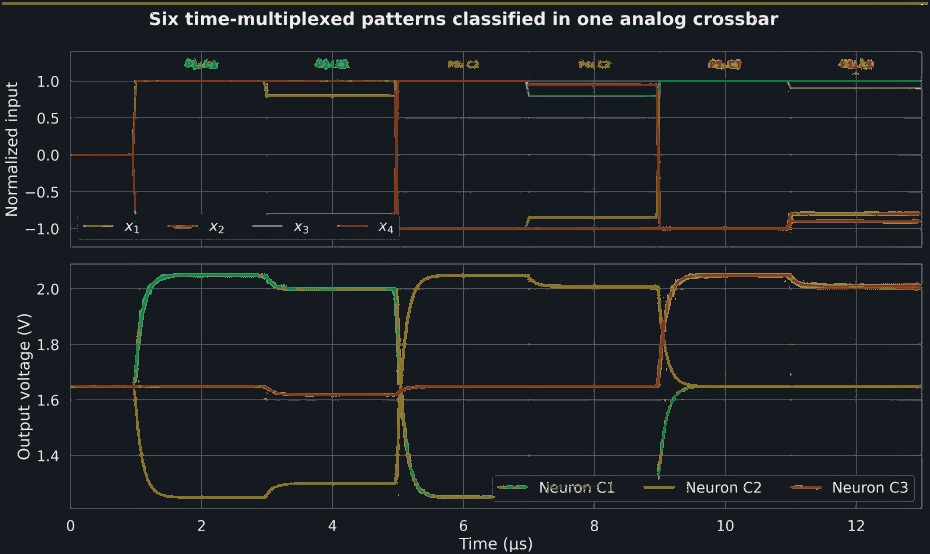
Operating-point, DC, AC, transient, noise, measurement, and device-to-circuit analysis.
Open application page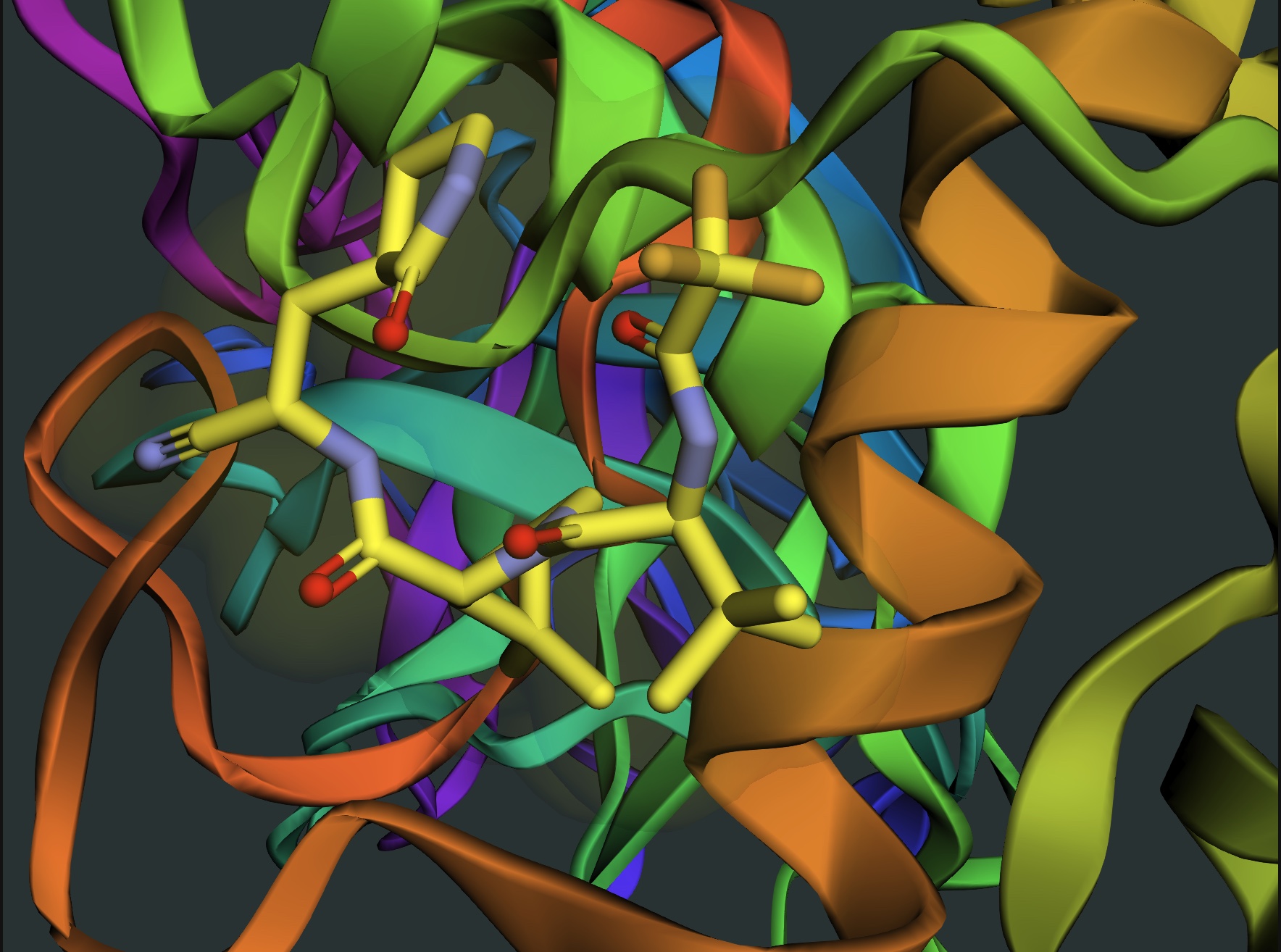
Quantum chemistry, molecular simulation, protein cofolding, docking, free-energy, and geometry workflows.
Open application pageWhat it is for
Use it for work that needs execution: notebooks, code, calculations, simulation, modeling, plots, and reproducible analysis. The agent can reason in chat, then move into Jupyter when the work needs code.
Create a notebook for ODEs, reaction kinetics, transport, growth curves, population dynamics, or parameterized scientific models.
Do dimensional analysis, numerical integration, uncertainty propagation, fitting, optimization, statistics, and sanity checks with visible code.
Sweep parameters, generate plots, compare scenarios, inspect residuals, and iterate until the result matches the scientific question.
Submit bounded molecular modeling jobs, poll status, retrieve results, and turn Rowan outputs into plots, tables, and CSV files.
Molecular modeling
Use Vicena Compute as the interface for advanced chemistry jobs: descriptors, pKa, conformers, tautomers, docking, molecular dynamics, orbitals, and related modeling workflows. The agent keeps the notebook visible, saves outputs, and respects computation-credit limits before submission.
Explore computational chemistry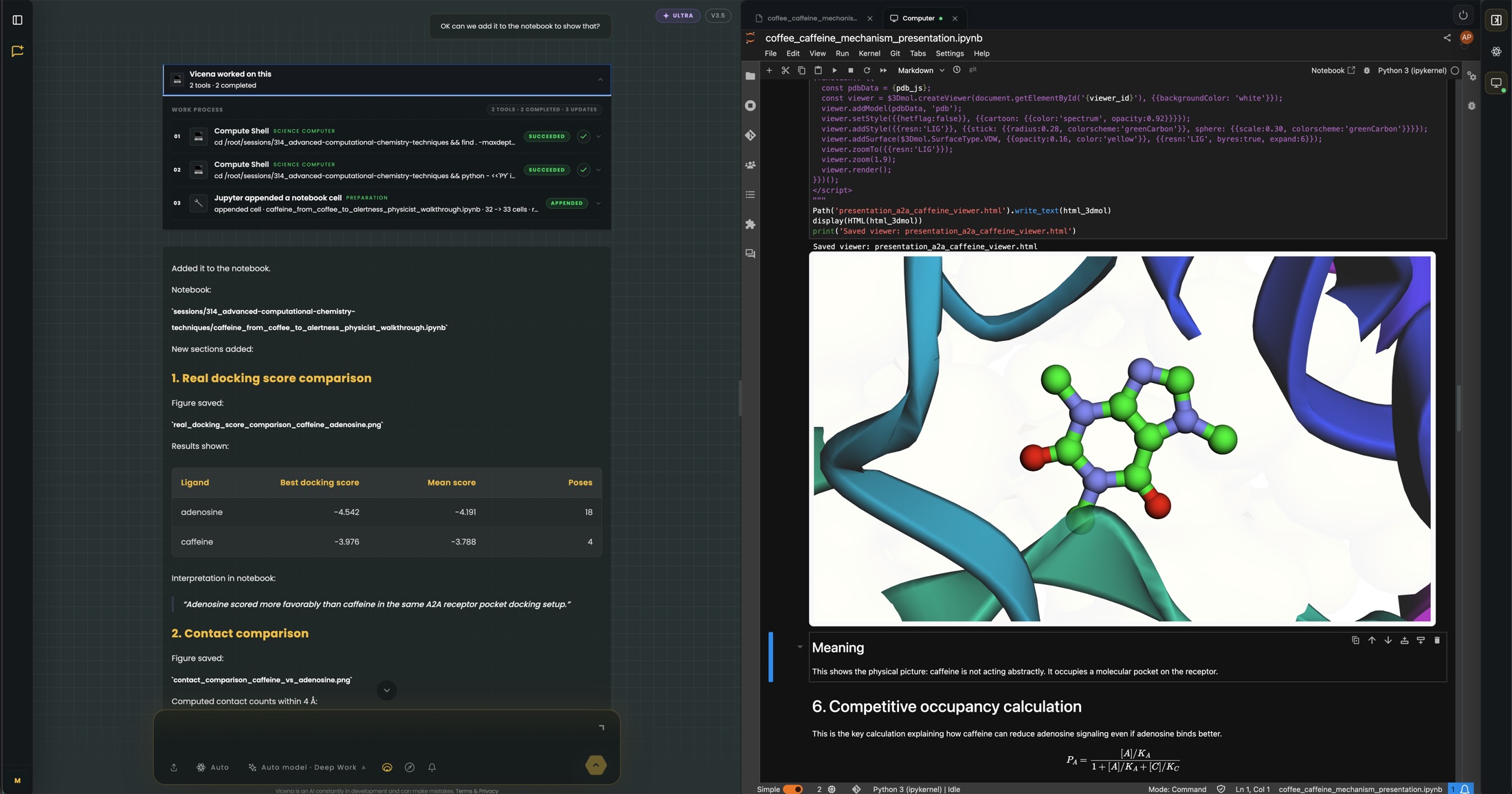
Gateway routed
Workflow IDs saved
Plots and CSV files
Notebook evidence
Notebook cells, plots, figures, and generated artifacts stay in the foreground so the work can be inspected, extended, and challenged instead of disappearing into a chat summary.
Flow simulations and vortex/wake fields can be generated as notebook artifacts, then inspected with the model code beside them.
Explore CFD & Aerodynamics →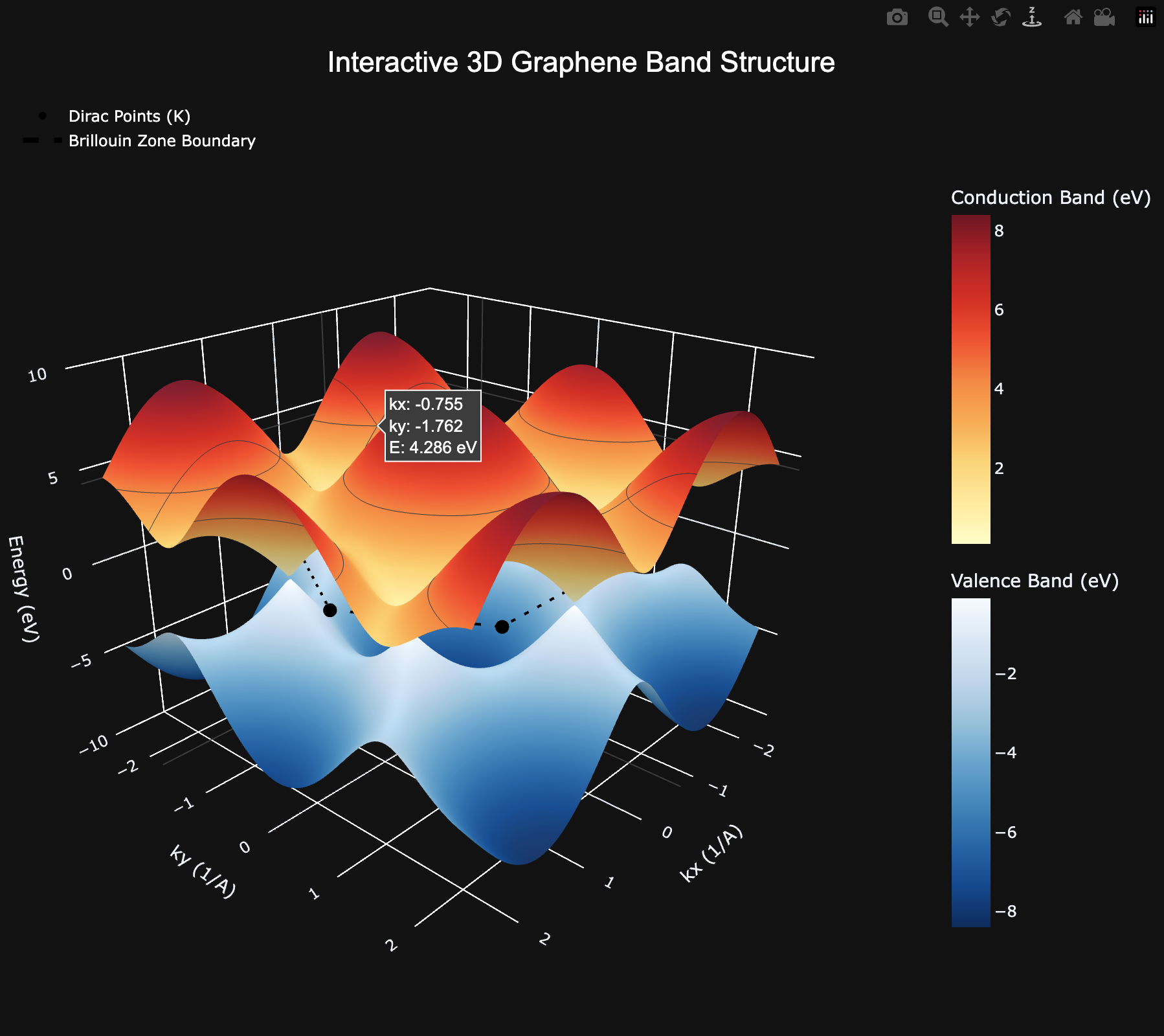
Interactive 3D electronic-structure plots can be generated from notebook code and inspected alongside the assumptions.
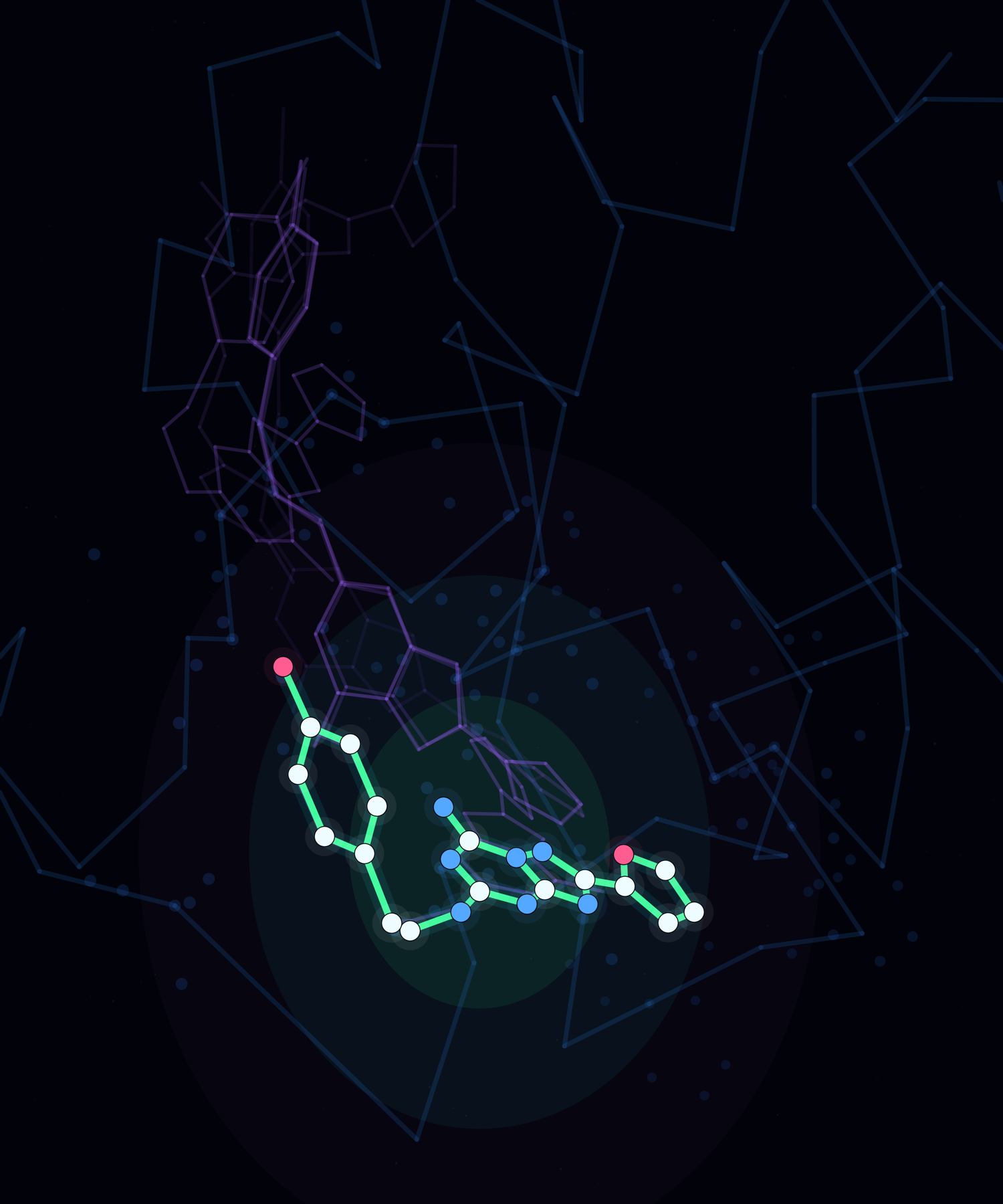
Rowan-powered molecular modeling outputs stay with the notebook as inspectable pose ensembles, figures, tables, and files.
Agent workflow
The important part is not that Vicena can write code. It can keep the code, the result, the error trace, the figure, and the scientific explanation in one reviewable notebook.
Define the scientific question, assumptions, inputs, and expected outputs.
Create notebook cells with code, formulas, markdown notes, and plotting logic.
Execute cells, inspect errors and outputs, then update the notebook in place.
Summarize results, limitations, next experiments, and artifacts to preserve.
Example requests
Each request opens Vicena with a concrete notebook task. The agent should create the notebook, execute cells, and report what it learned from the outputs.