
Molecular systems
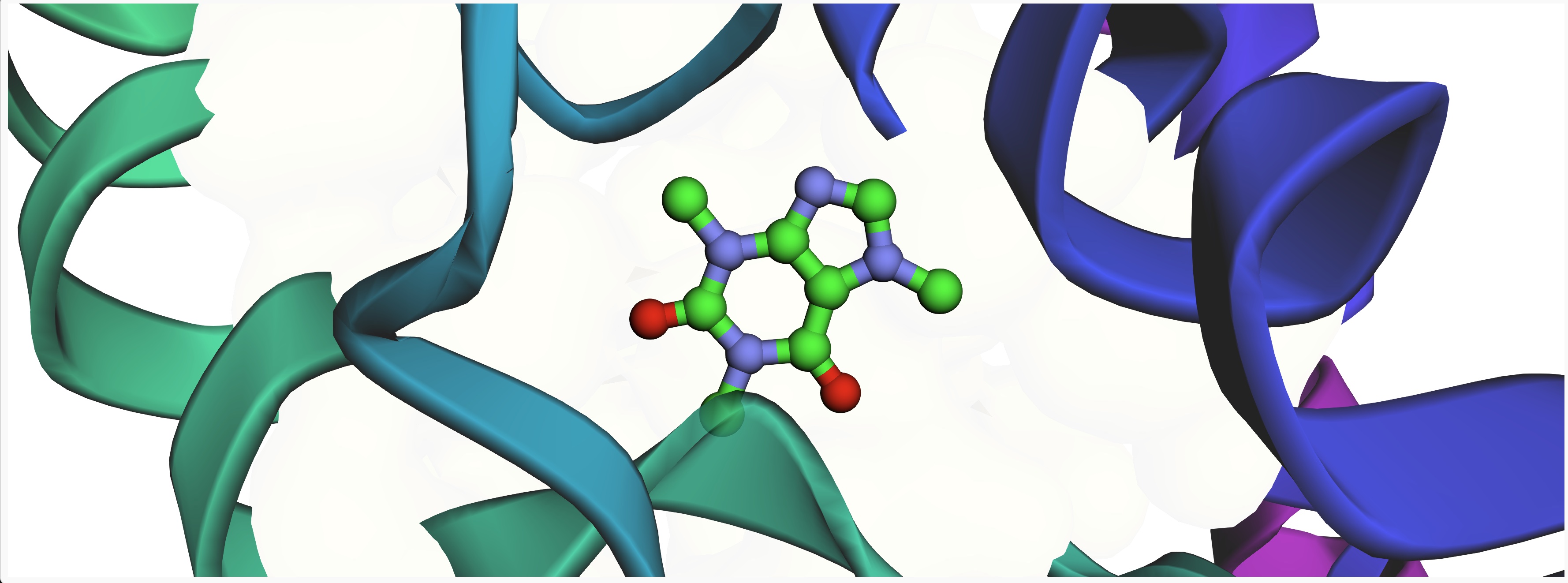
Inspect molecules, ligands, proteins, and structural context.
Prepare modeling workflows, run bounded simulations, inspect the outputs, and iterate toward the next scientific decision, all inside the same workspace.

Start the work
Run compute
Inspect results
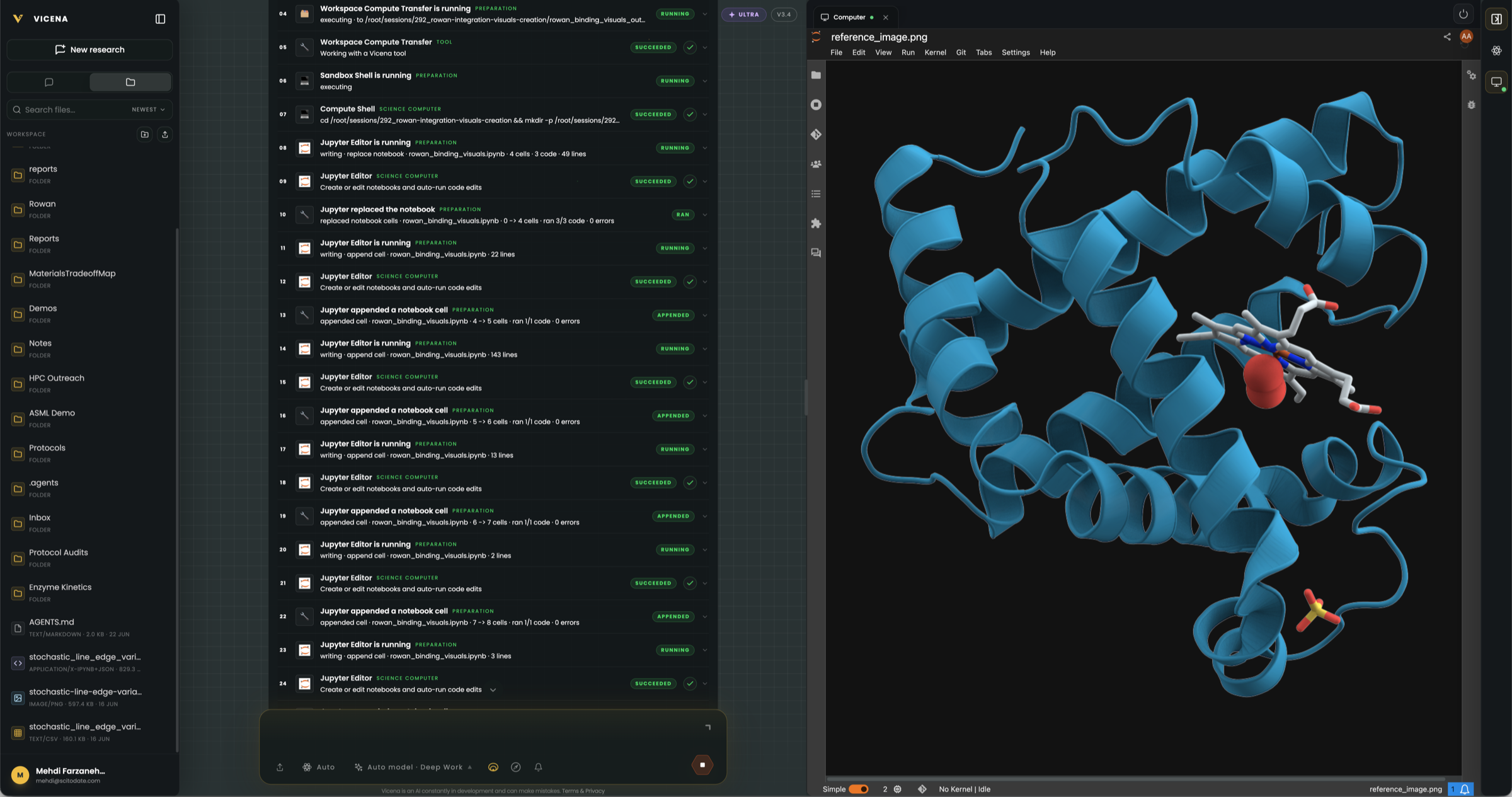
Move beyond AI summaries. Run molecular analysis, modeling, and simulation workflows directly from your research workspace.
Use scalable compute for more advanced chemistry tasks when lightweight analysis is not enough.
Start from a paper, molecule, protocol, assay condition, or experimental result - not from an empty tool interface.
Review outputs, refine assumptions, compare candidates, and decide what to test next.
Not just AI answers. Scientific work execution.
Most AI tools can explain chemistry. Vicena is built to help scientists do chemistry work.
Describe the scientific goal, prepare the computational workflow, run bounded jobs, and inspect the results in notebooks, plots, structures, and summaries.
The value is not another chat interface. The value is enabling researchers to move from question to computation to decision.
Computed outputs you can inspect
Vicena keeps computational outputs visible and usable: molecular structures, notebooks, tables, plots, scores, logs, and summaries.
Scientists can inspect the result, question it, compare alternatives, and use it to decide the next step.
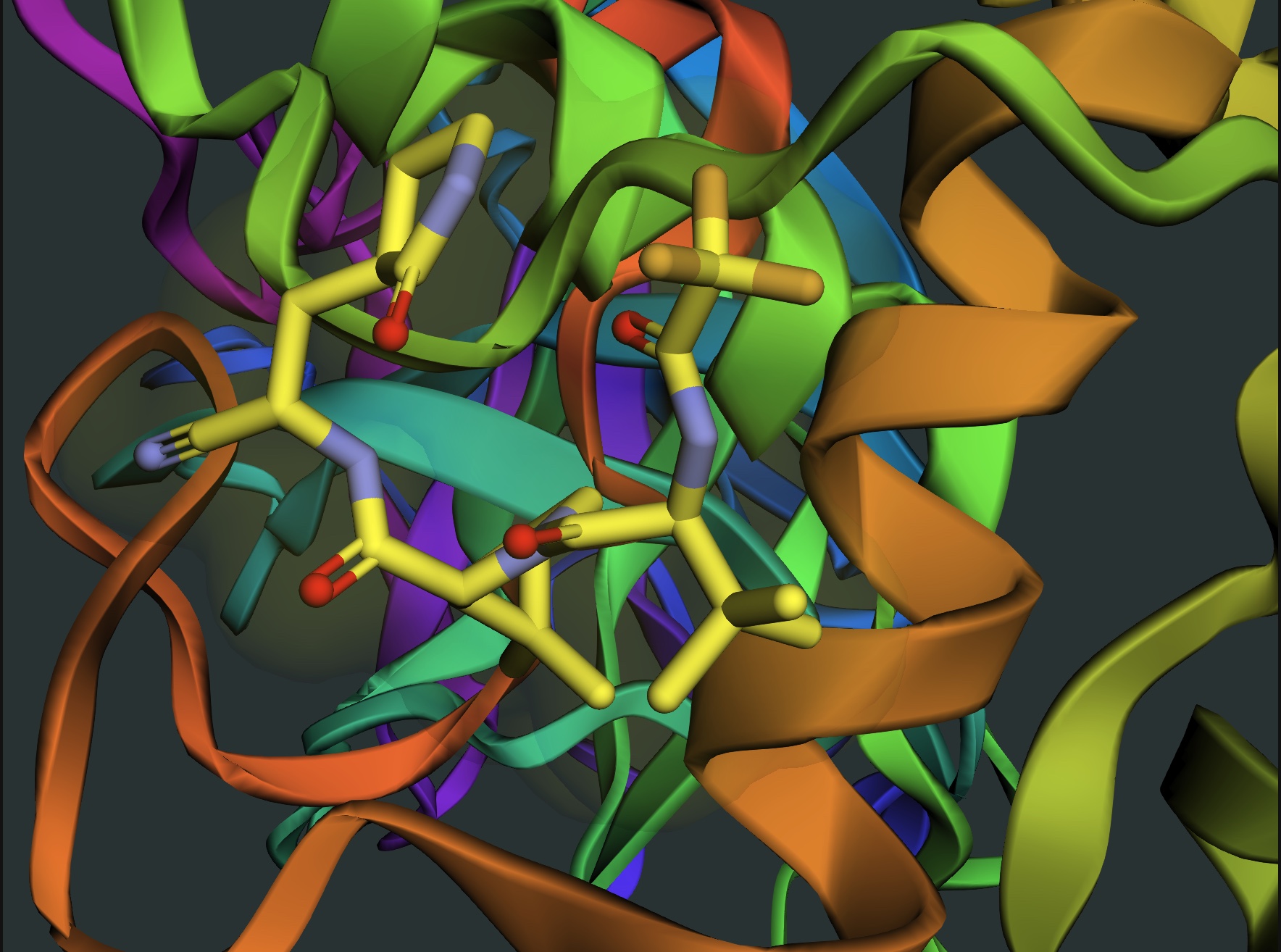
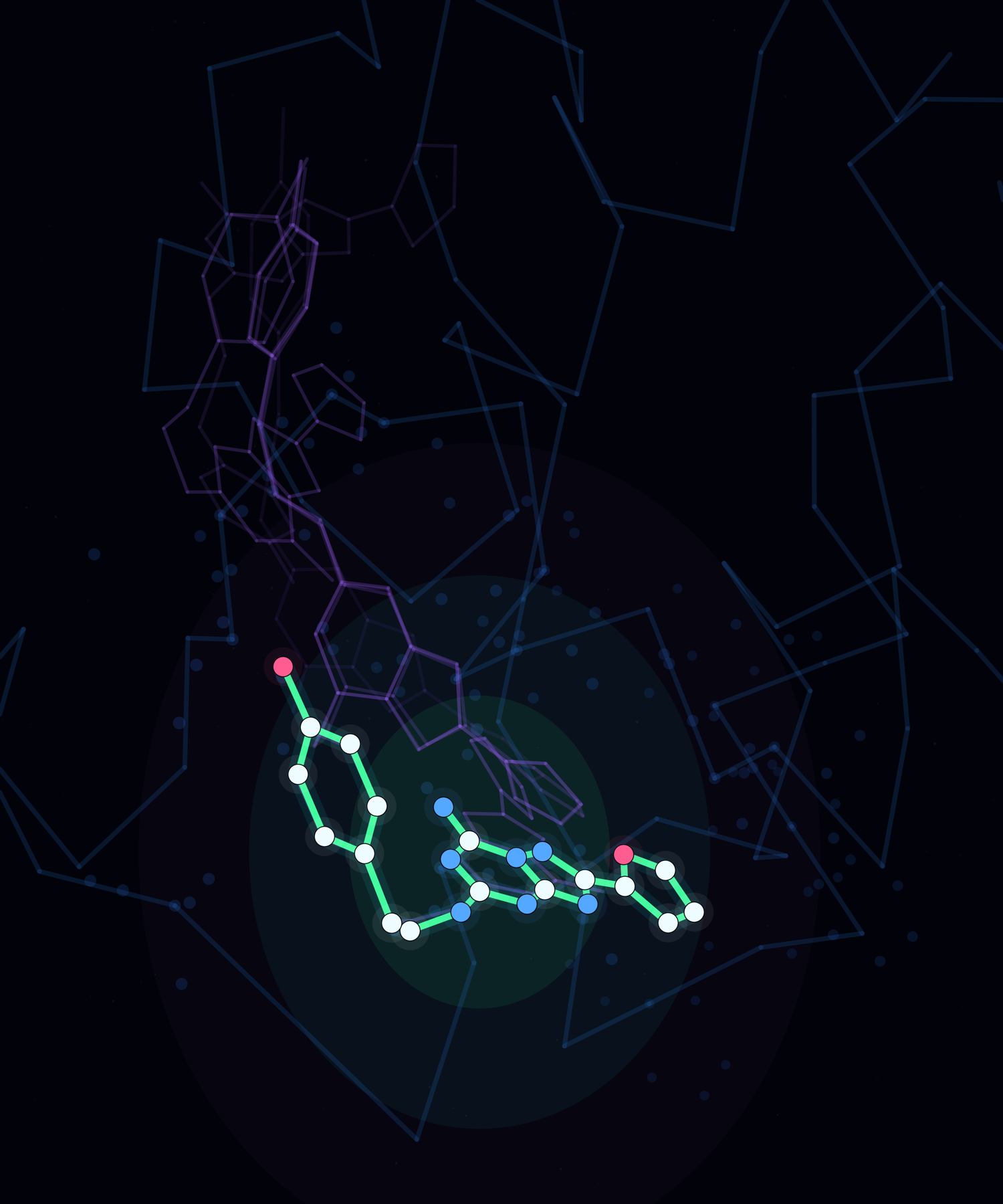
Vicena-generated docking result
This image is one example: a docking computation where a ligand is placed inside a protein binding pocket for inspection.
With Vicena, the scientist starts from the question, a molecule, protein, paper, assay result, or experiment, and Vicena helps prepare the right computational workflow around it.
Binding-pocket geometry
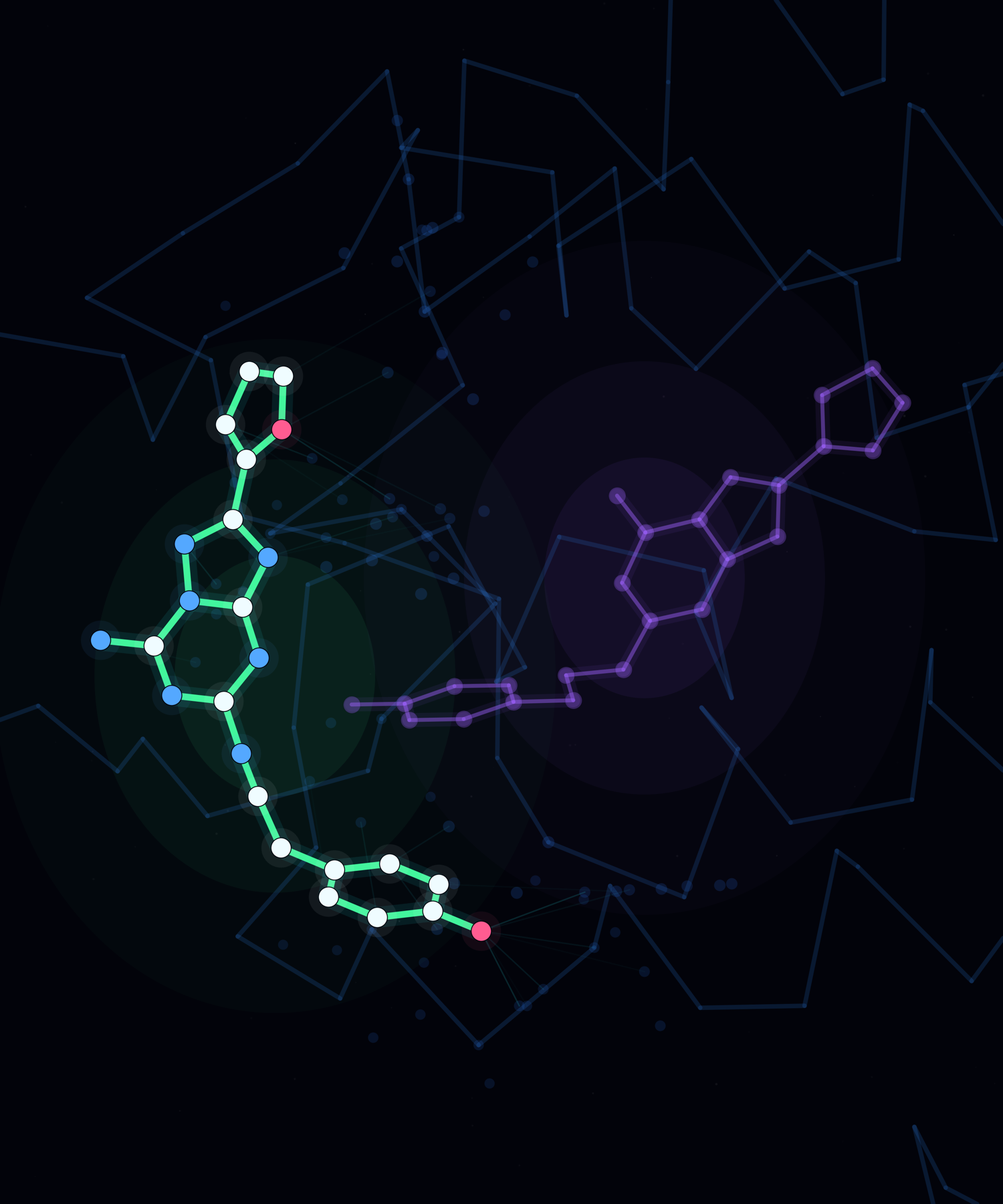
Ligand pose inspection
Notebook-ready output
Inspect molecules, ligands, proteins, and structural context.
Compare conformers, poses, and generated molecular geometries.
Turn calculations into tables, plots, and notebook outputs.

Use results to compare candidates, refine experiments, and choose what to test next.
Scientific packages

Managed molecular workflow layer
Provides the managed API, data model, compute routing, and reproducible workflow layer that connects Vicena to molecular calculations.
Official projectNeural interatomic potentials
Provides fast learned energies and forces, including AIMNet2 for organic molecules and OMol25-family models through fairchem.
Workflow documentation
Semiempirical chemistry and conformers
Runs GFN-family semiempirical calculations and supports efficient geometry, energy, descriptor, and conformer-search workflows.
Official project
Molecular electronic structure
Runs Hartree–Fock and density-functional theory, with GPU-accelerated presets for routine and careful quantum-chemistry work.
Official project
Wavefunction quantum chemistry
Provides a modular quantum-chemistry engine for Hartree–Fock, density-functional, and correlated electronic-structure methods.
Official project
Periodic plane-wave DFT
Handles periodic materials, plane-wave electronic structure, crystal geometries, and related solid-state calculations.
Official project
Open biomolecular cofolding
Predicts three-dimensional biomolecular complexes from protein, nucleic-acid, ion, and small-molecule inputs.
Official project
Structure and affinity models
Supports Boltz-1, Boltz-2, and Boltz-2.1 cofolding workflows with structured confidence, pose, and affinity outputs.
Official project
Biomolecular structure prediction
Provides a complementary cofolding model for protein, nucleic-acid, and ligand assemblies through the Rowan workflow.
Official projectMultiple-sequence alignment
Builds private, reproducible protein alignments in Boltz, Chai, and ColabFold formats for structure-prediction workflows.
Workflow documentation
GPU molecular dynamics
Builds explicit-solvent protein–ligand systems with OpenFF ligand parameters and runs GPU-accelerated dynamics in OpenMM.
Workflow documentation
Protein–ligand docking
Searches binding poses with Vina-family or Gnina settings, then supports refinement, deduplication, and pose-quality checks.
Workflow documentationRelative binding free energy
Runs GPU-optimized free-energy perturbation across ligand transformation graphs for relative binding-affinity prediction.
Workflow documentationGeometry optimization
Coordinates molecular and periodic geometry optimization, constraints, transition-state work, and crystal-cell relaxation.
Workflow documentation
Molecular informatics and preparation
Handles structures, stereochemistry, conformers, descriptors, fingerprints, hydrogens, bond orders, and chemistry-aware analysis.
Official projectApplication notes
Vicena application notes show the path from a familiar scientific question to notebook outputs, plots, structures, limitations, and the next decision.
Example requests
Examples of work scientists can start inside Vicena Compute:
Scalable compute access
Vicena plans use shared account credits for eligible computational chemistry, AI, notebook, and tool workflows.
Free does not include Rowan or external simulation workflows. Plus and Ultra include exploratory work inside the subscription; larger or repeated simulations can use manual top-ups and pay-as-you-go usage.
Per-job limits help teams scale compute while keeping spend under control.
Compare plansShared monthly credits for eligible workflows.
Manual top-ups should extend the same account budget for AI, notebooks, Rowan, and future services.
Per-job limits to reduce runaway spend.
Team usage controls for shared research budgets.
Selected advanced molecular modeling workflows powered by Rowan on Plus and Ultra.