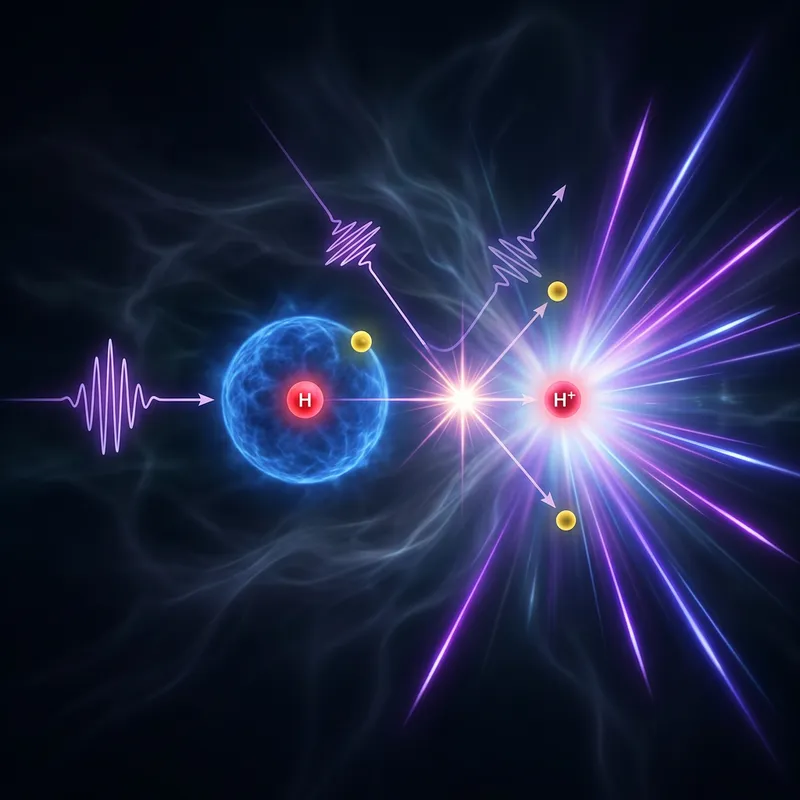
Computational Chemistry
Use modeling and simulation to screen, explain, and refine candidates.
Your entire R&D lab. One prompt away. Vicena finds and evaluates existing knowledge. When the answer is not already known, it helps scientists discover new knowledge by running digital experiments and simulations, then coordinating approved real-world experiments with qualified laboratories.
Use modeling and simulation to screen, explain, and refine candidates.
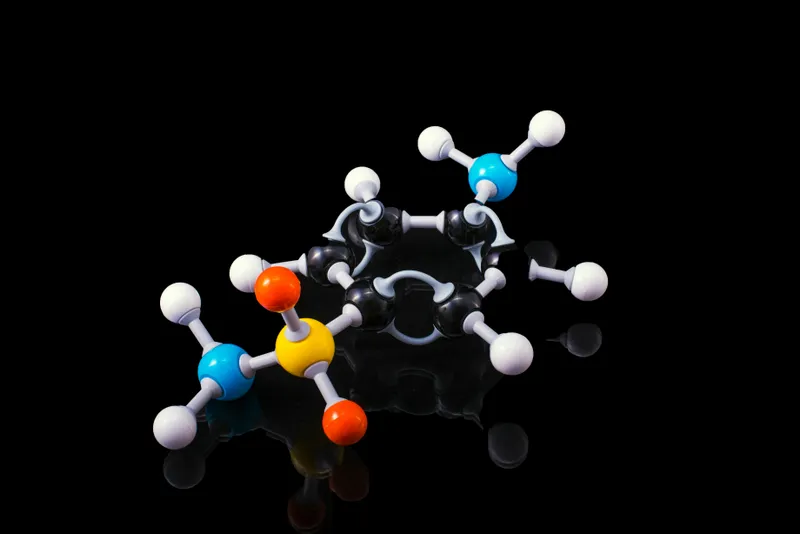
Generate, compare, and prioritize molecules against the properties that matter.
Move selected candidates toward synthesis, purification, and physical samples.
Plan assays and wet-lab validation, then interpret the resulting evidence.

Map the evidence, prior art, open questions, and scientific constraints.
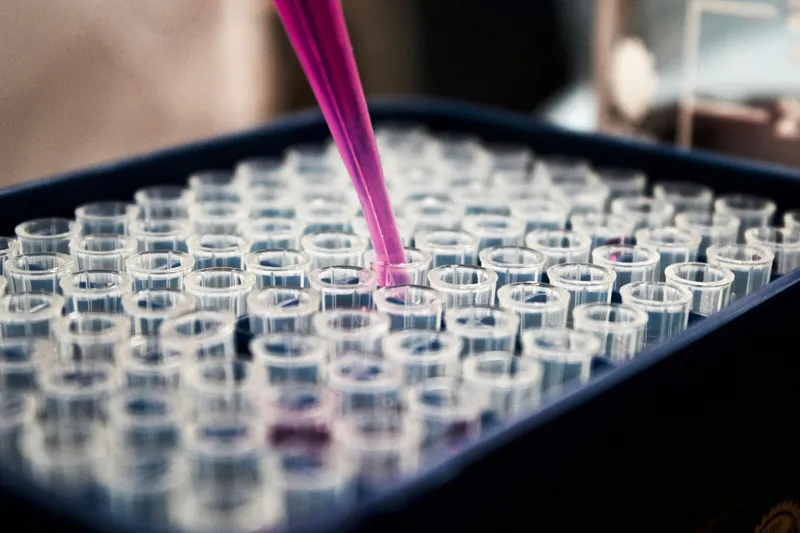
Turn an objective into experiments, controls, decision gates, and validation plans.
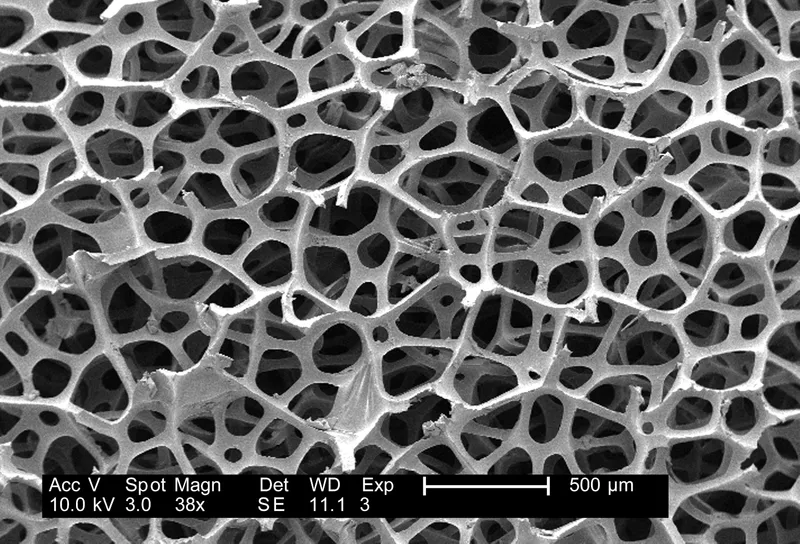
Connect analytical chemistry, LC-MS, NMR, and other measurements to the project.
How It Works
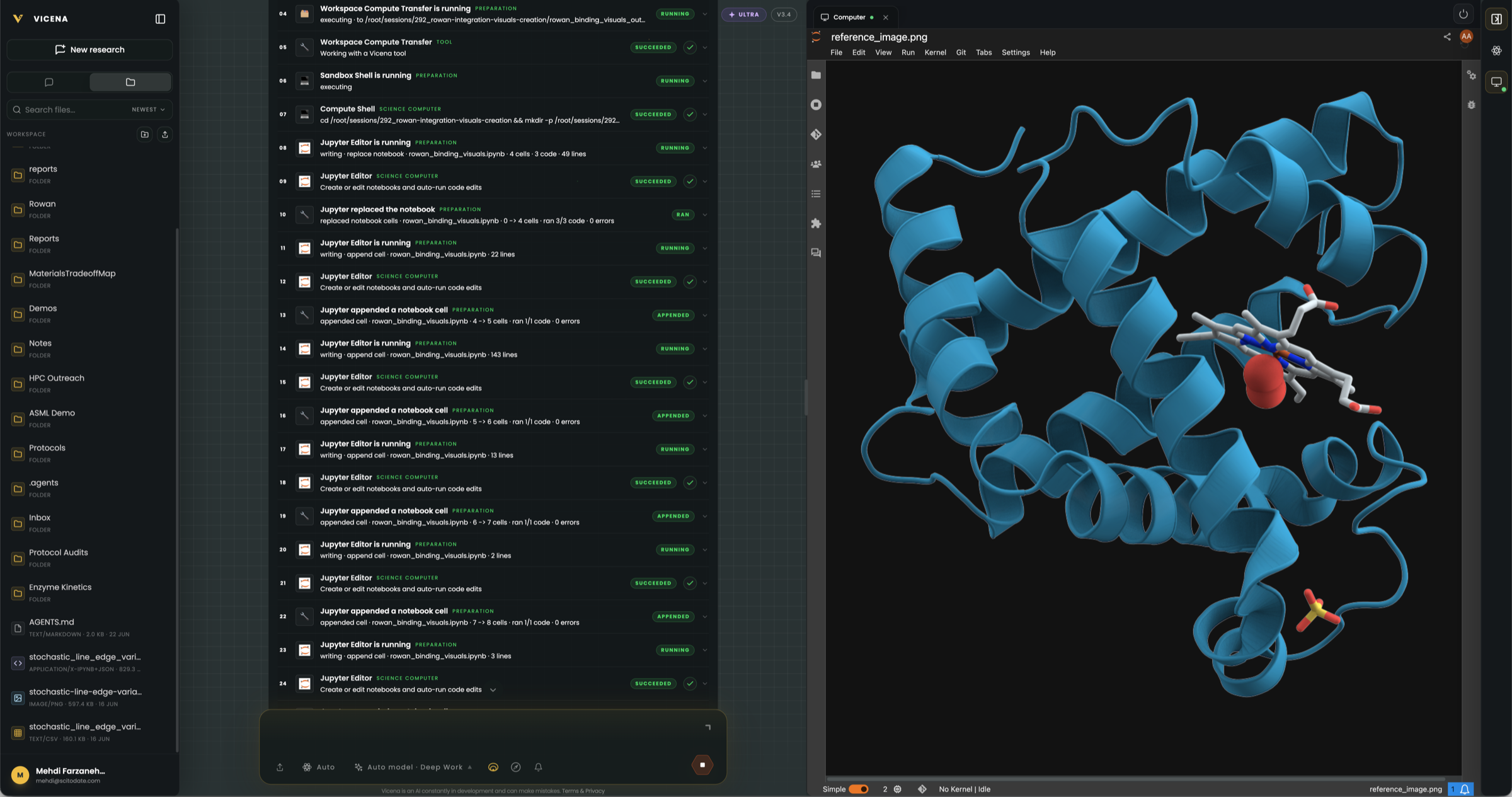
Begin with the scientific question. Vicena finds and evaluates existing knowledge, runs digital experiments and simulations, coordinates approved real-world experiments with qualified laboratories, and returns the evidence to the project for the next decision.
 01
01Search literature and patents. Surface the evidence, constraints, and open questions.
 02
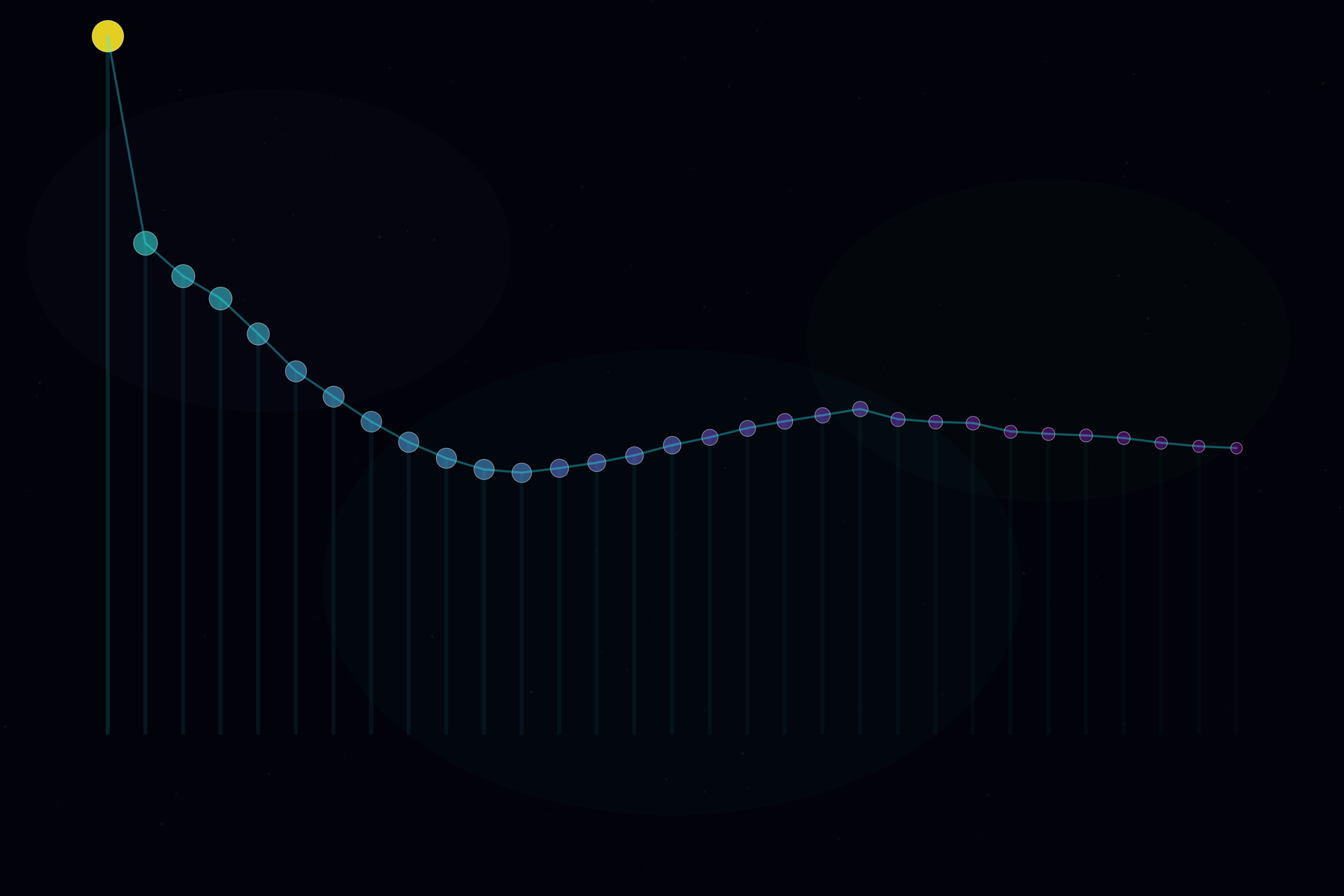
02Generate candidates, run simulations, and rank what should move forward.
 03
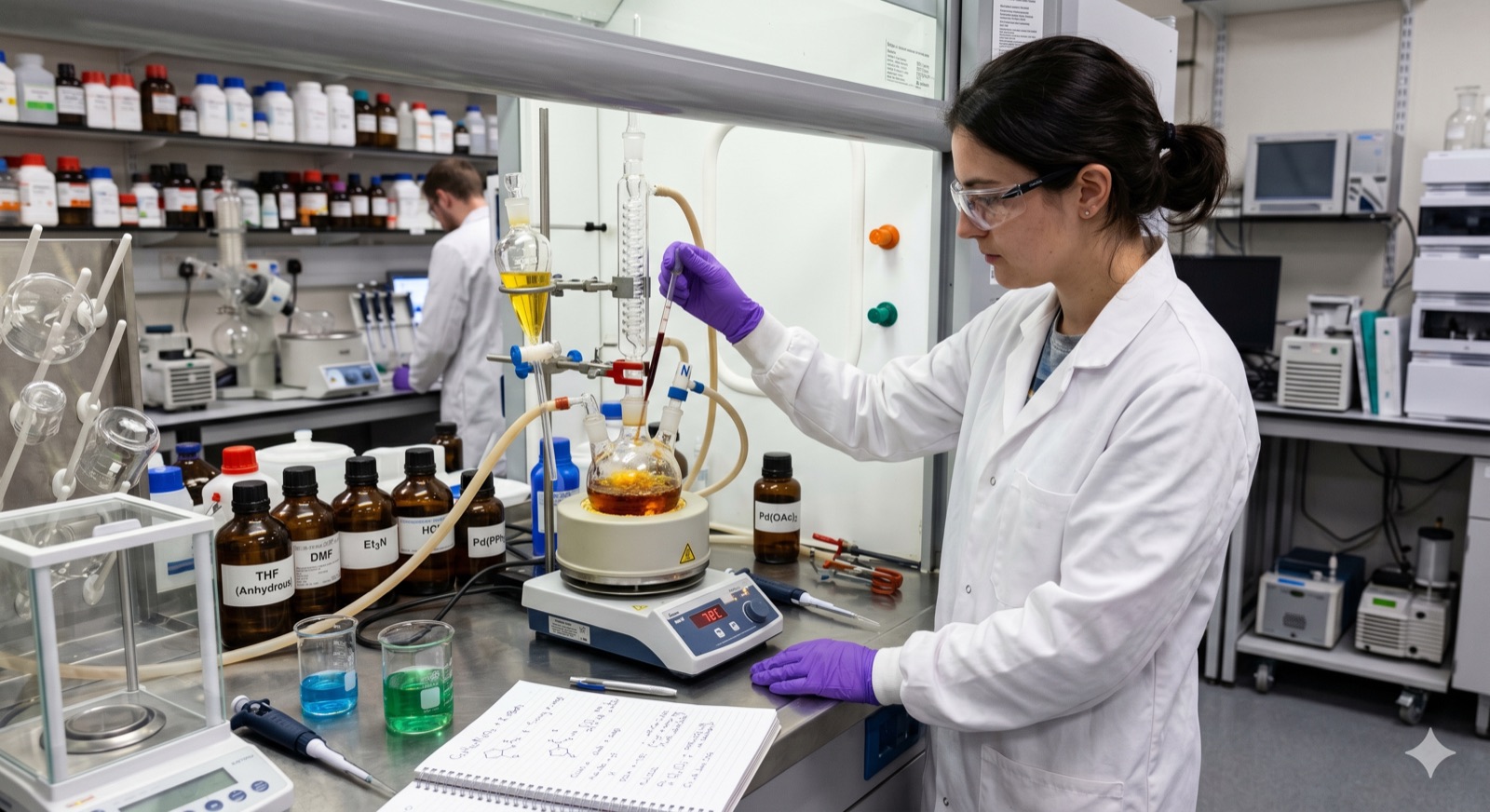
03Define synthesis, purification, scale, and sample needs; match the right capabilities.
04Match each readout to capable labs, methods, and instruments.
 05
05Compare results with the decision criteria and choose the next experiment.
The missing layer
AI scientist systems can search, reason, and propose a plan. What they lack is a common execution layer that can operate specialist software and compute, prepare physical work, and connect approved experiments to qualified laboratories. Vicena is building that infrastructure behind the science.
AI models provide reasoning. Vicena provides execution infrastructure.









Define what you need to discover, build, optimize, validate, or prove—and the constraints that matter.
Vicena operates the scientific software and compute, prepares the physical work, and identifies the best-fit qualified laboratories.
Software outputs, protocols, laboratory work, data, and decisions return to one project for review and iteration.
What Vicena Enables
Vicena gives AI scientists a path through research, experiment design, scientific software, compute, synthesis, testing, and iteration. You define the objective and inspect the work instead of assembling every tool and provider yourself.
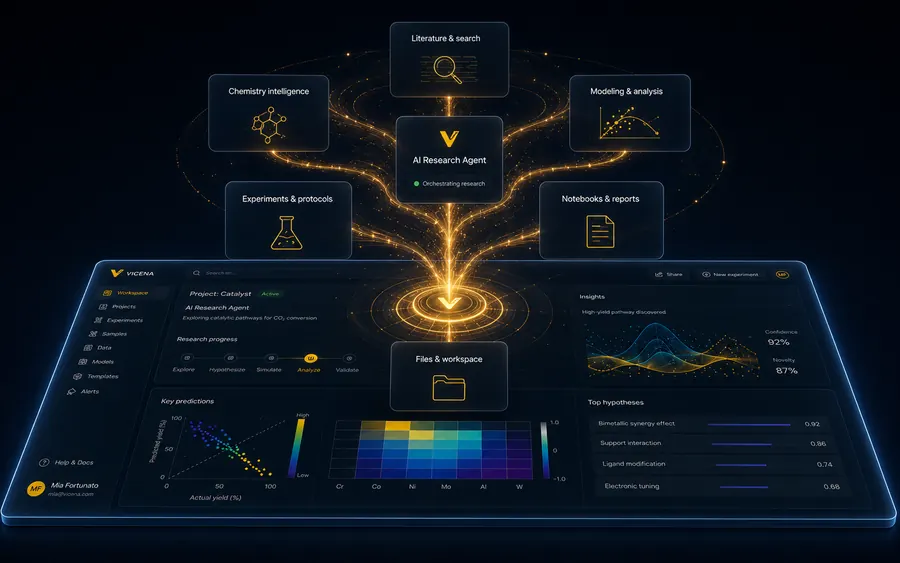
Turn the objective and constraints into executable work packages while you stay focused on the scientific decision.
Search papers, patents, and technical evidence while keeping sources, assumptions, and gaps visible.
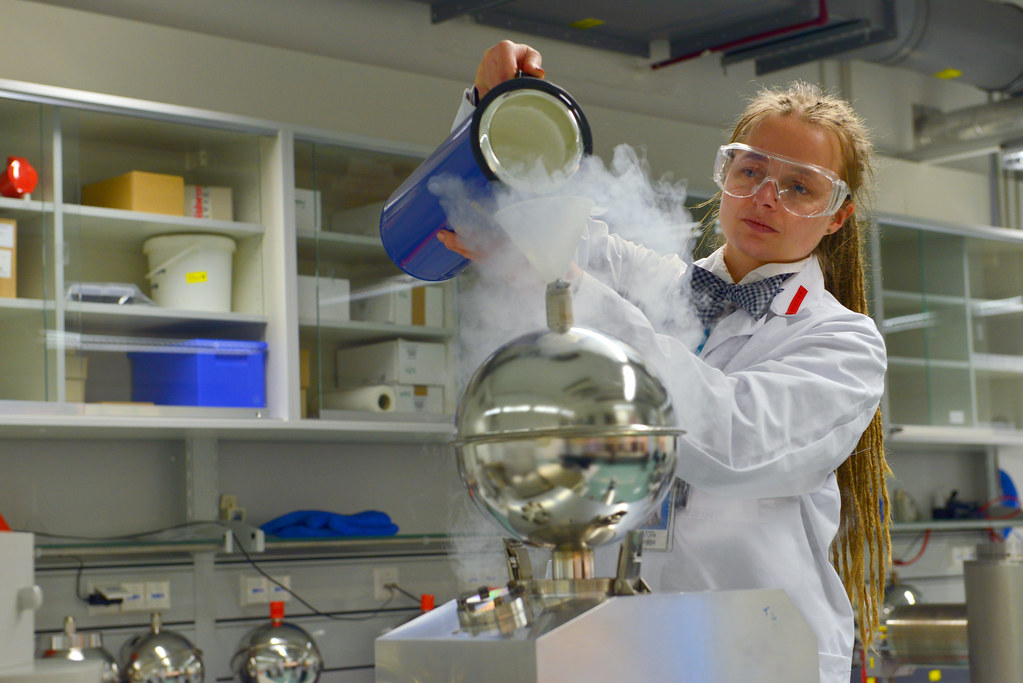
Design experiments, controls, protocols, decision gates, and validation plans around the objective.
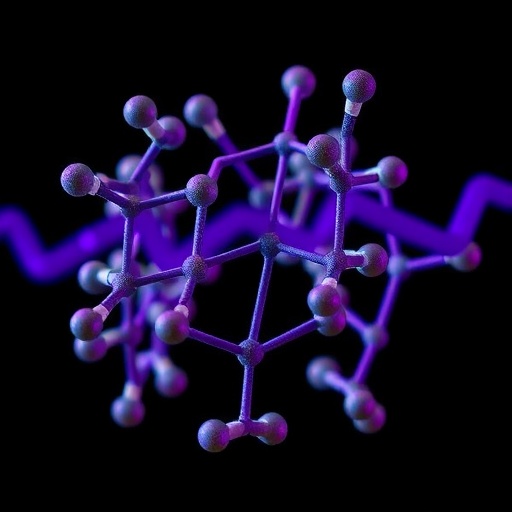
Generate candidates, predict properties, model molecular behavior, and prioritize the next physical test.
Match approved physical work to source-backed laboratories with the relevant synthesis, analytical, and testing capabilities.
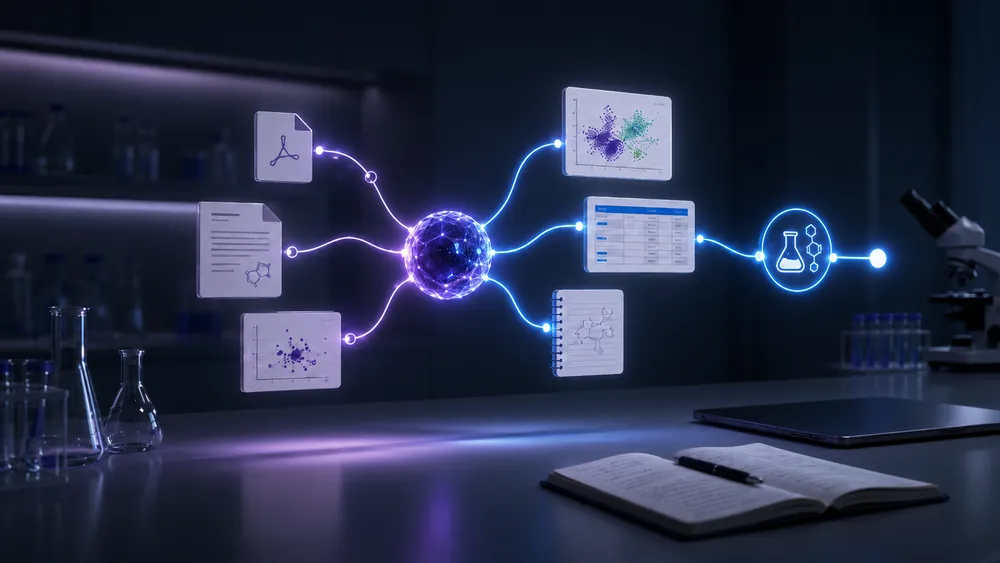
Keep plans, simulations, lab communication, results, decisions, and the next iteration in one project history.
Used by researchers at leading universities, labs, and technical teams.
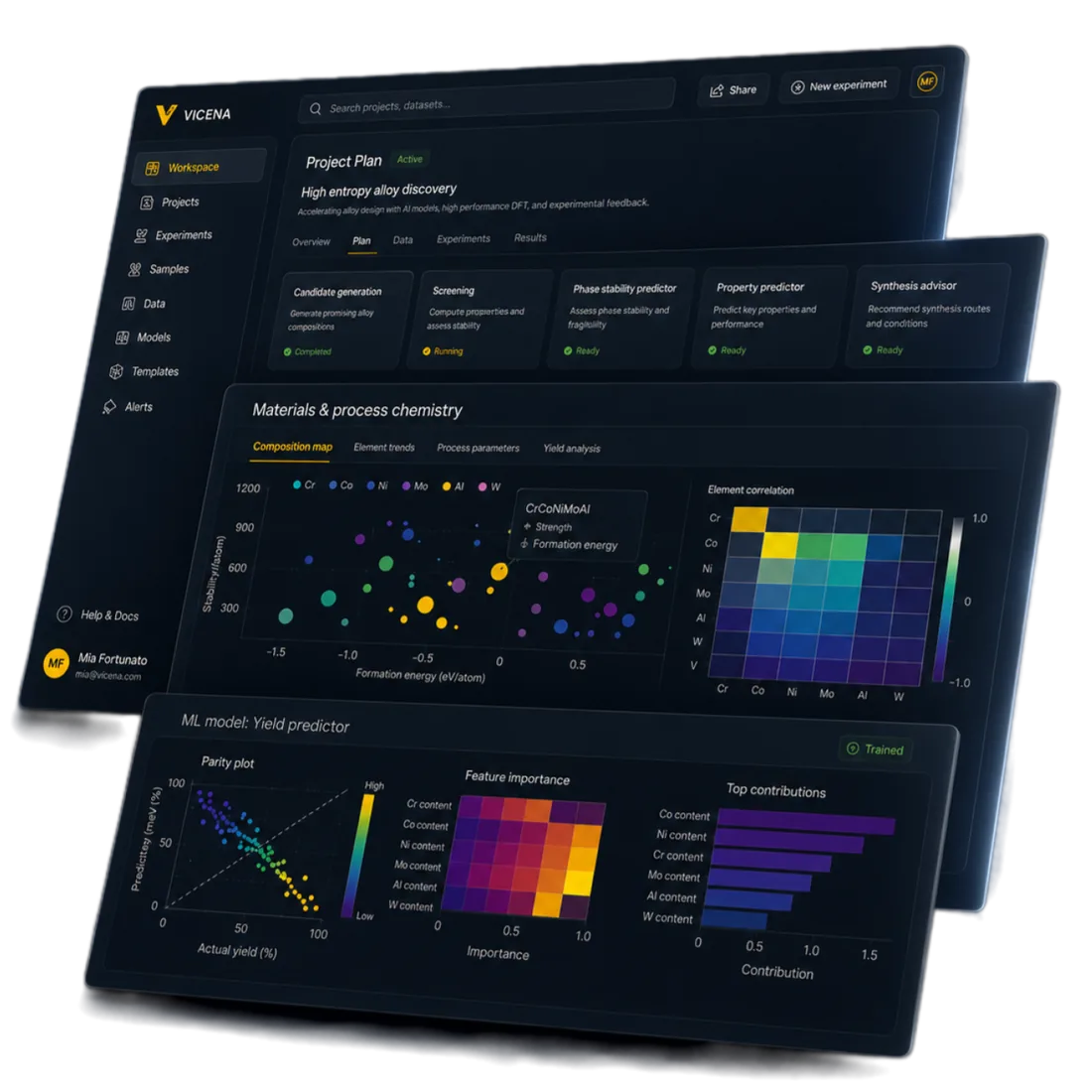
Persistent R&D workspace
Software runs, experimental plans, protocols, laboratory matching, communication, quotes, datasets, results, decisions, and next iterations stay connected to the same objective and project history.
Explore the R&D workspace 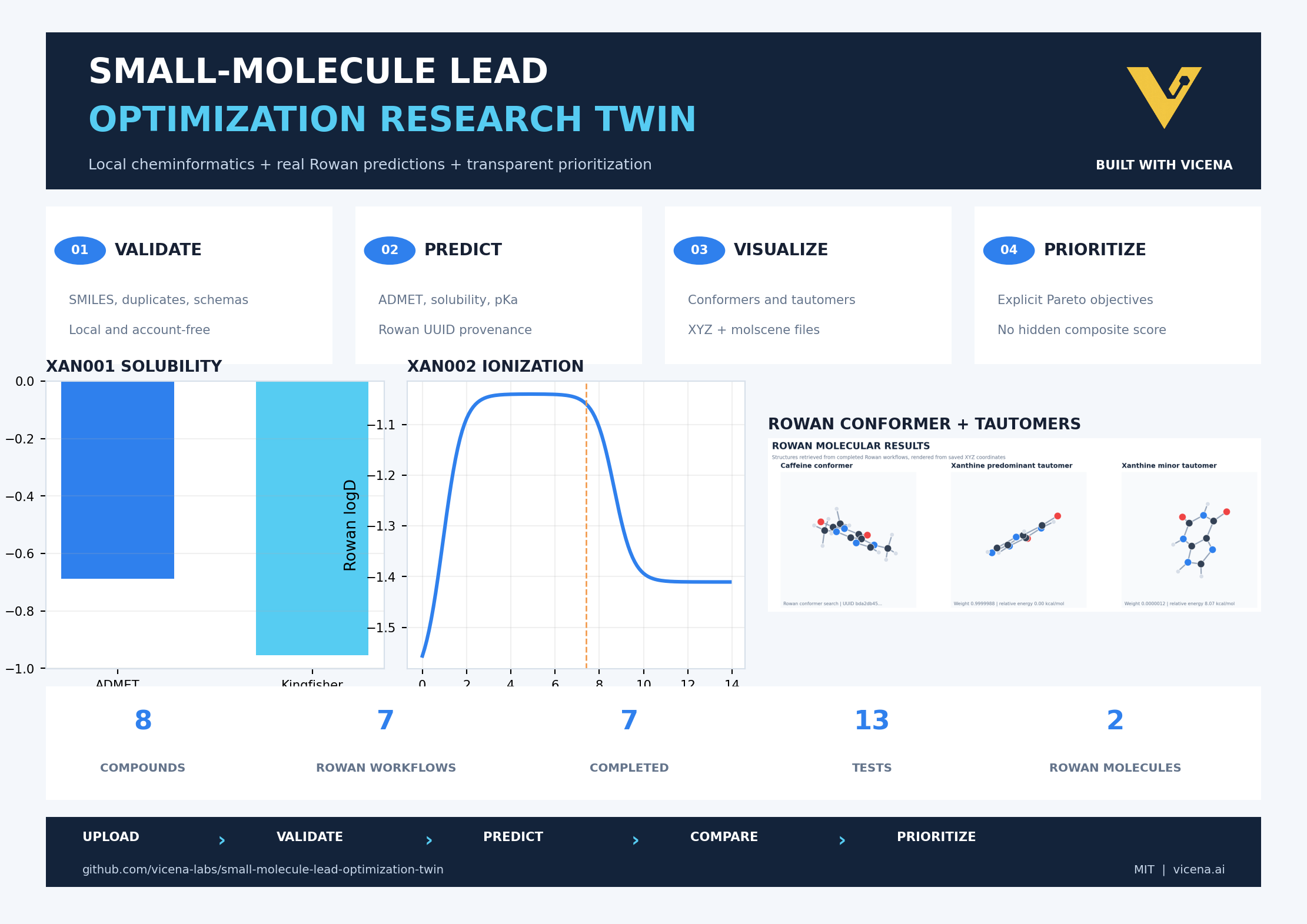
Execution in practice: small-molecule R&D
“Optimize this lead while preserving potency and reducing toxicity.” Vicena uses scientific software for candidate generation, computational screening, molecular modeling, and selection. It then maps synthesis, purification, characterization, and biological testing to the best-fit qualified providers.
Every output and decision returns to the same project to guide the next iteration.
Physical execution
Vicena turns the scientific objective into bounded physical work packages, then finds source-backed laboratories whose public capabilities and instrument evidence appear to fit. You review the brief before any outreach or work begins.
Custom synthesisMove non-catalog targets into route design, synthesis, purification, identity confirmation, and scale-up with a project-specific brief.
Routine + advanced measurementConnect routine analytical work and advanced characterization to the same objective, sample requirements, acceptance criteria, and decision gate.
Source-backed lab network
Where public evidence exists, laboratory profiles surface named instruments, techniques, workflows, and source links—not only broad service labels.
Exact configuration, project fit, availability, price, and acceptance are confirmed before work starts.
Current focus
Vicena is concentrating first on small-molecule discovery, medicinal chemistry, synthesis, analytical chemistry, molecular design, computational chemistry, characterization, biological testing, and wet-lab validation. These workflows receive the deepest software-to-lab coverage today.
Drug discovery & molecular R&D
Combine chemical structures, measured properties, and optional quantum chemistry.
Rank candidates and document lead-selection trade-offs.
Similar project? Try it or ask Vicena.
Reaction & process engineering
Model batch and continuous-flow reactors with fitting, uncertainty, and optimization.
Fit reaction data and compare operating conditions.
Similar project? Try it or ask Vicena.
Mechanistic chemistry
Review reaction definitions, calculations, transition states, and kinetics.
See which proposed pathways are supported and why.
Similar project? Try it or ask Vicena.
Other sciences
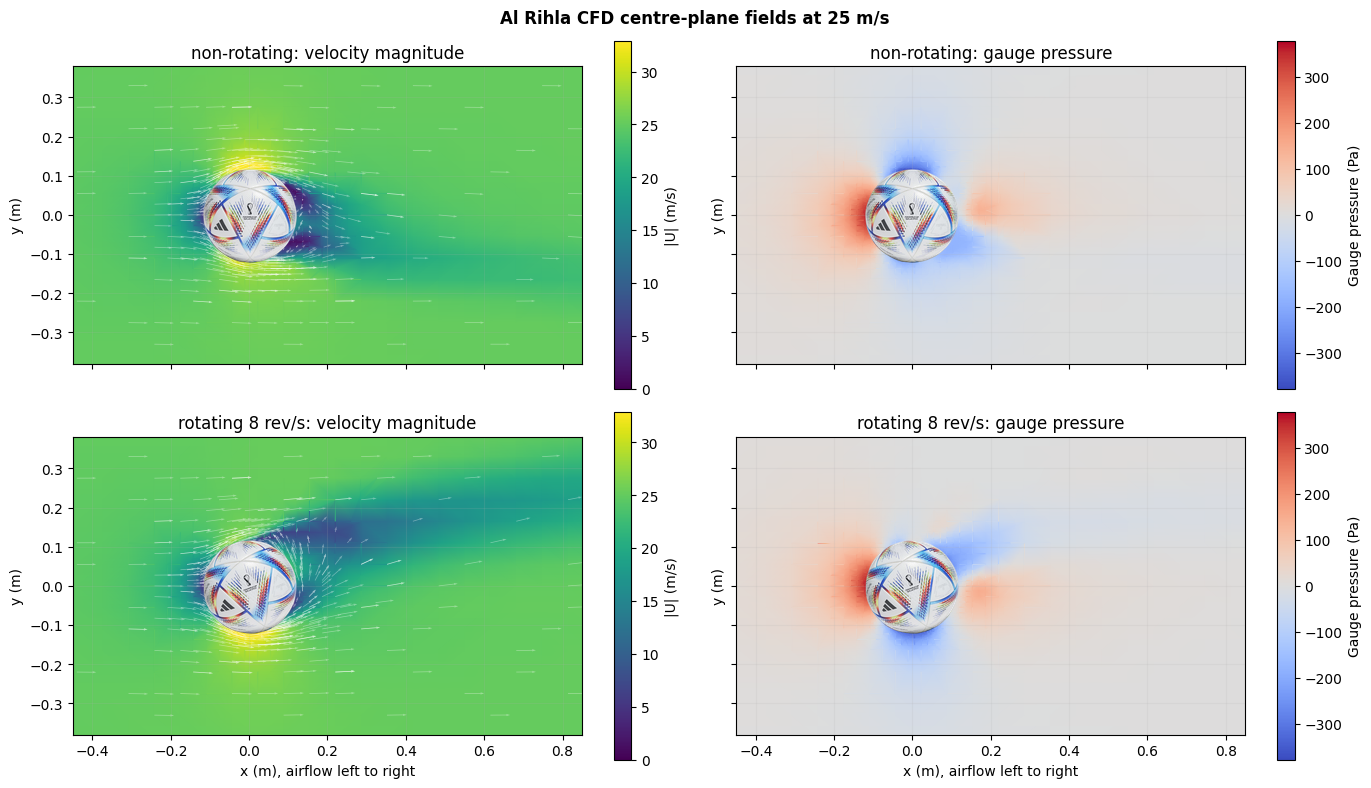
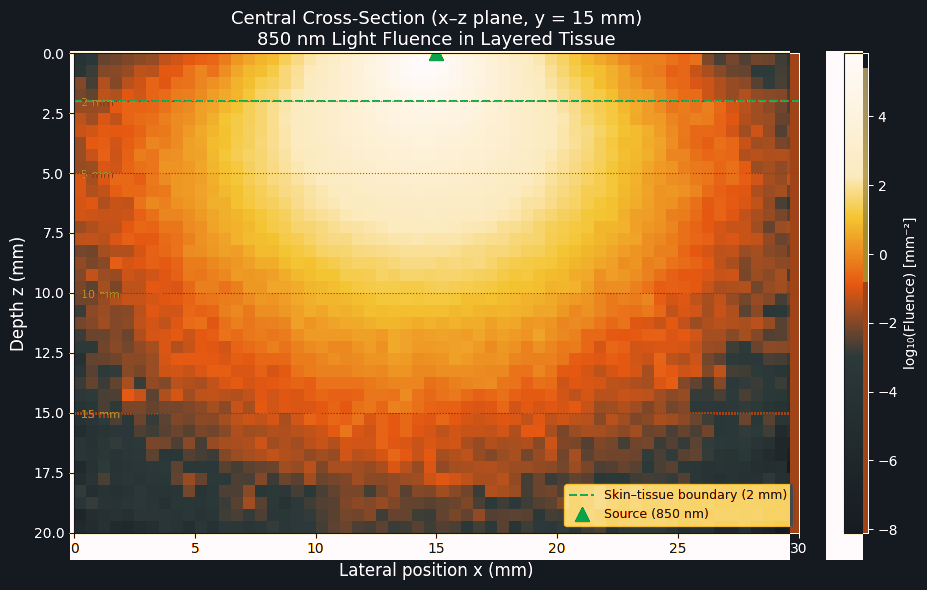
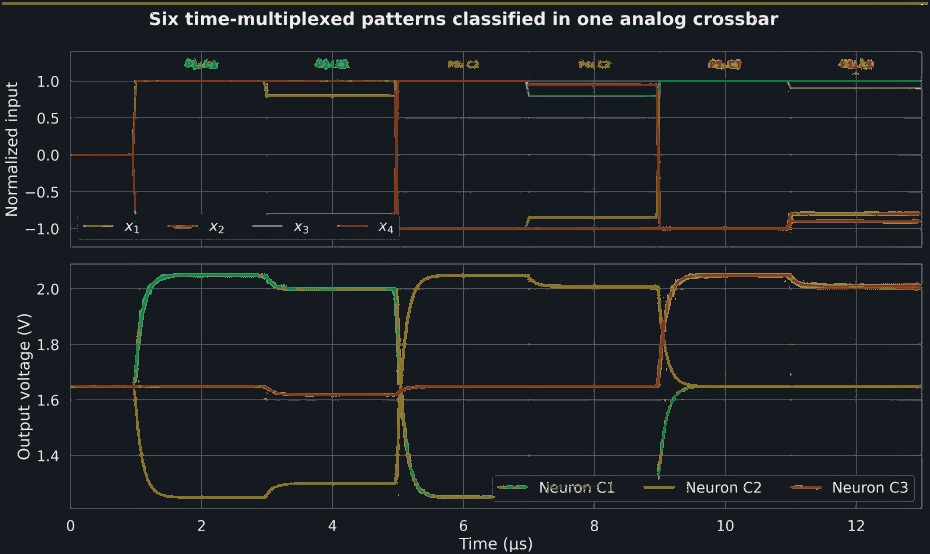
Chemistry and biotech are the deepest current focus. The same objective-first workspace already operates specialist simulation and engineering workflows across fluids, light, semiconductors, and electronic systems.
Security & IP
Keep ownership of the IP and research materials you bring to Vicena. Access stays scoped, project history remains inspectable, and external work advances only after the relevant confidentiality, safety, commercial, and authorization checks.
Read our legal termsYou retain ownership of the research materials and pre-existing IP you bring to Vicena. Ownership and permitted use of newly produced work are governed by the applicable project agreement and provider terms.
Projects and their conversations are scoped to the authenticated owner. Vicena uses encrypted transmission and restricts service access to authorized personnel who need it to do their work.
Vicena maps project requirements to source-backed synthesis and testing laboratories. Current matching begins with a non-confidential brief and is manually reviewed; capacity, price, confidentiality, safety, and contract terms still require confirmation before work starts.
Yes. Vicena keeps the objective, evidence, assumptions, files, computations, plans, and results connected in the project history so the work can be reviewed and continued.
Vicena can plan the physical work, identify plausible laboratories, and support supervised matching and outreach. Laboratory execution is not represented as fully autonomous: scope, provider fit, commercial terms, safety, and authorization must be confirmed.
Tell us what is missing. We are expanding the scientific workflows, service providers, and laboratory capabilities Vicena can coordinate.
Begin with the objective
Do not start by choosing the model, package, instrument, scientist, or laboratory. Describe what you want to discover, build, optimize, validate, or prove. Vicena determines and coordinates the work required.