
One subscription
Use GPT, Claude, Gemini, Mino, Qwen, Kimi, DeepSeek, and more for science, coding, literature, analysis, and writing.
Turn a research question into literature, protocol, and computation steps in one workspace.

Use GPT, Claude, Gemini, Mino, Qwen, Kimi, DeepSeek, and more across research, coding, writing, and analysis. If you already have ChatGPT or OpenAI access, bring your own account and keep the same Vicena workspace.








Use GPT, Claude, Gemini, Mino, Qwen, Kimi, DeepSeek, and more for science, coding, literature, analysis, and writing.
Already have ChatGPT or OpenAI access? Connect it when your team wants to use its own account.
Use Deep Work agent workflows for coding, analysis, tool use, and repeatable scientific work inside Vicena.
Scientists do not work in one isolated prompt. Vicena connects literature, patents, protocols, chemistry tools, Jupyter notebooks, compute, and durable workspace files so the thread stays inspectable from question to artifact.
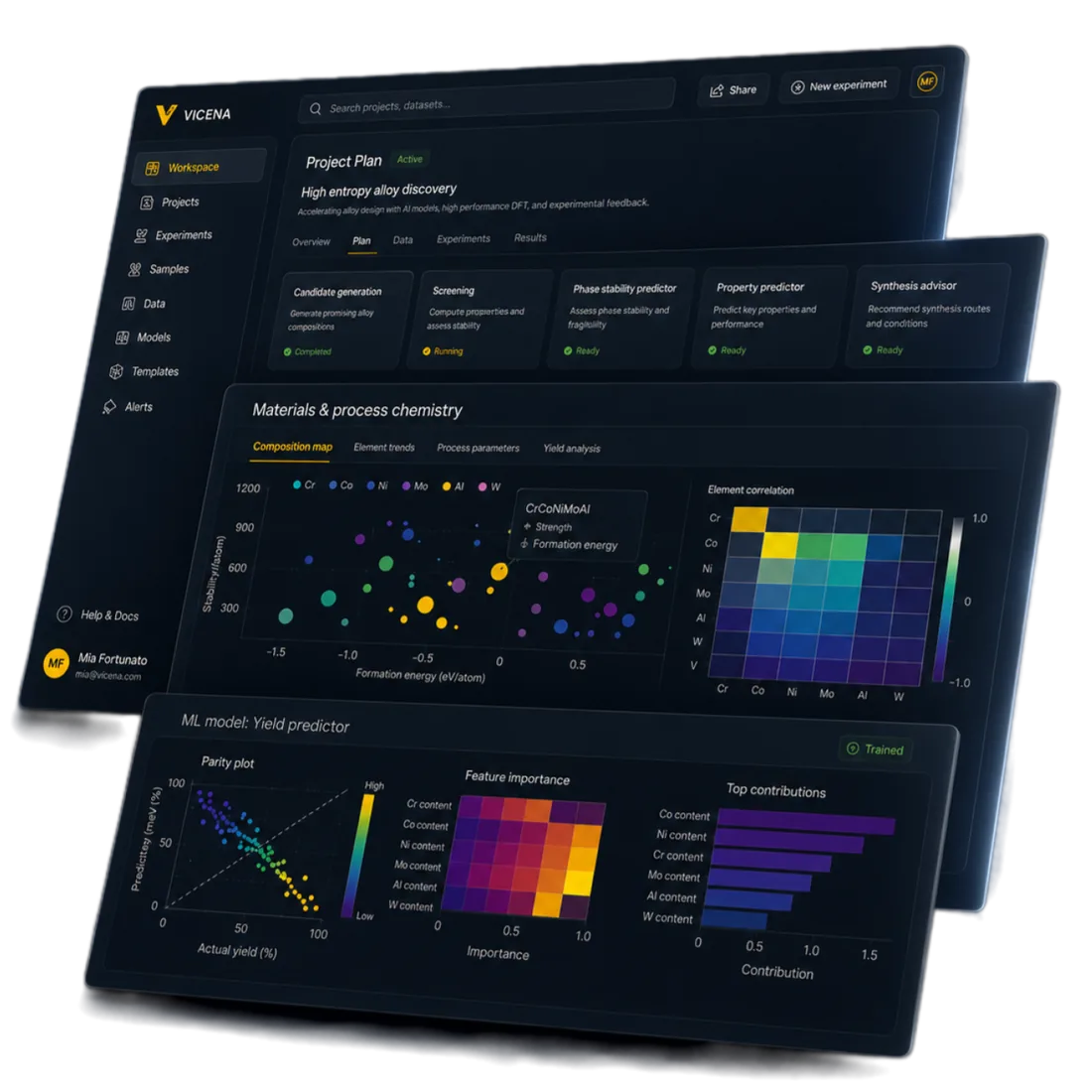
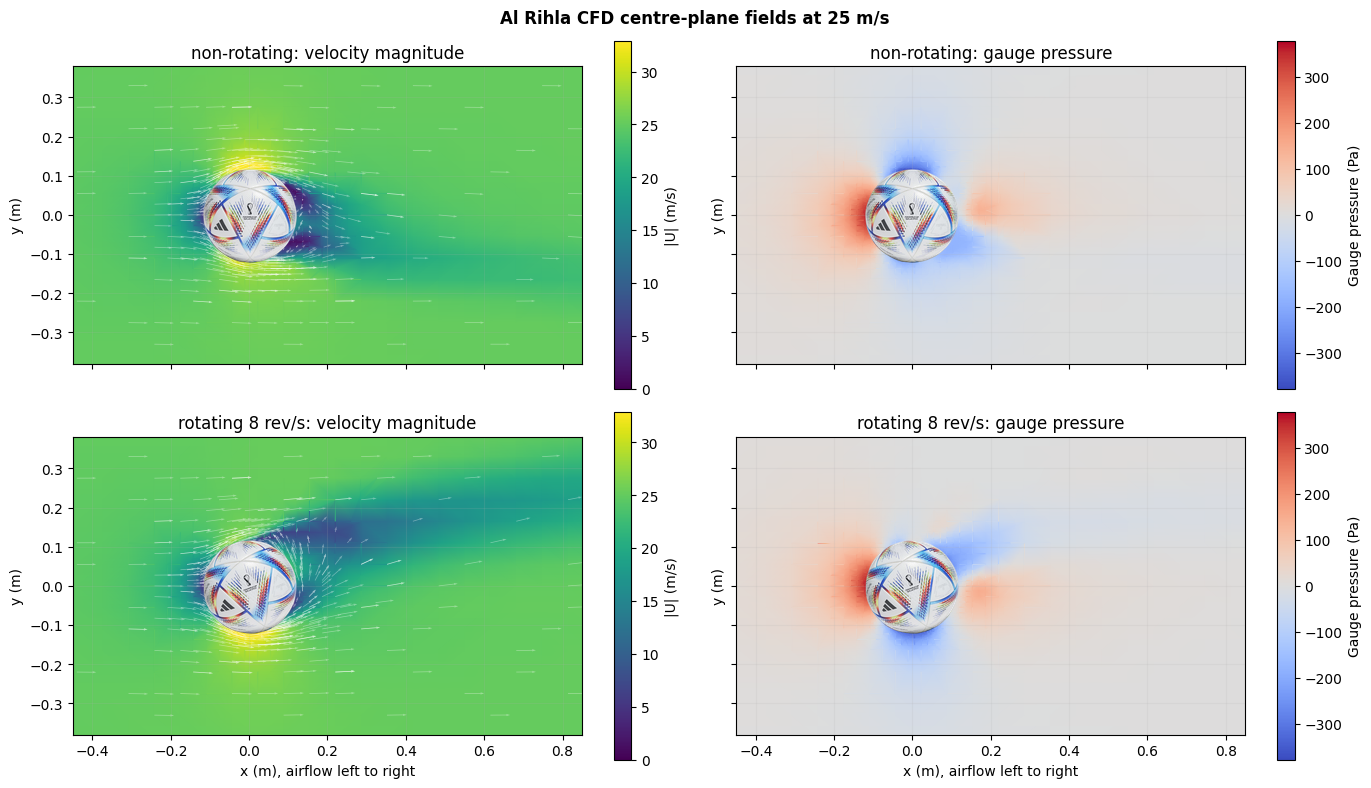
Vicena Compute beta gives the agent documented workflows for circuit simulation, semiconductor-device modeling, CFD, aerodynamics, and GPU optical simulation. Each run stays connected to its original job, artifacts, scientific warnings, and failure details.
The new CFD application story follows a real football model from geometry repair and meshing to steady and transient airflow, with an inspectable notebook and downloadable reproducibility package.
Use Vicena to keep the question, evidence, assumptions, files, computations, and reports connected as the work moves from concept to experiment.
Turn early research questions into cited briefs, paper summaries, patent scans, and open-question lists.
Draft methods, extract variables, audit hazards, check assumptions, and produce review-ready protocols.
Keep calculations, plots, data cleaning, and simulations in notebooks that can be inspected later.
Generate technical memos, reports, tables, figures, notebooks, and workspace files for the next step.
Research Twin Starters
Each Research Twin is an open project you can run, understand, and adapt. It includes a model, example inputs, checks, notebooks, and instructions for turning the example into your own research project.
Electrochemistry & energy storage
Lithium-ion cell models for thermal, cycling, and degradation studies.
Compare models or add your own test data.
Similar project? Try it or ask Vicena.
Drug discovery & molecular R&D
Combine chemical structures, measured properties, and optional quantum chemistry.
Rank candidates and document lead-selection trade-offs.
Similar project? Try it or ask Vicena.
Solar energy & power electronics
Trace solar power through panels, control, conversion, storage, loads, and the grid.
Compare inverter and storage choices or study faults.
Similar project? Try it or ask Vicena.
Search evidence, design experiments, check chemistry, run models, and keep every artifact connected in one workspace.
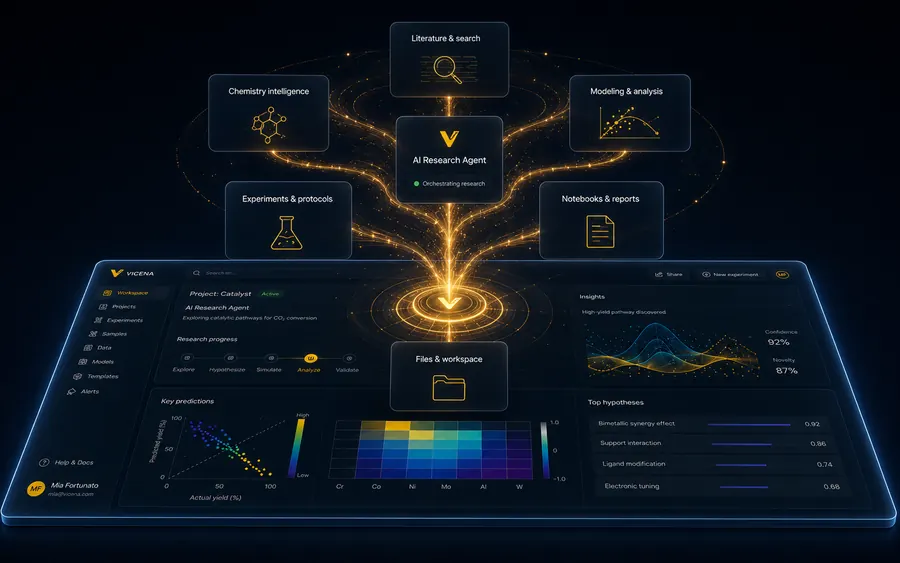
01 / Orchestrate
Follow workflows you define, coordinate literature, chemistry, modeling, notebooks, and files while you focus on the objective.
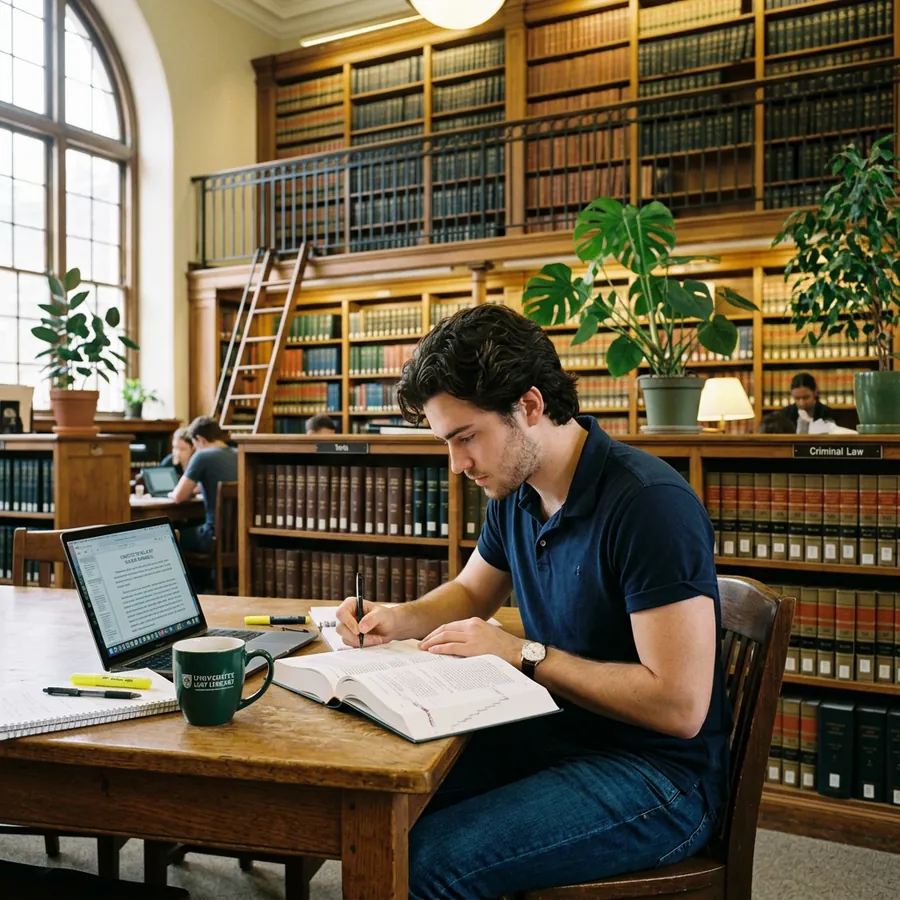
02 / Research
Search papers, patents, Scholar, and the web while keeping sources, assumptions, and gaps visible.
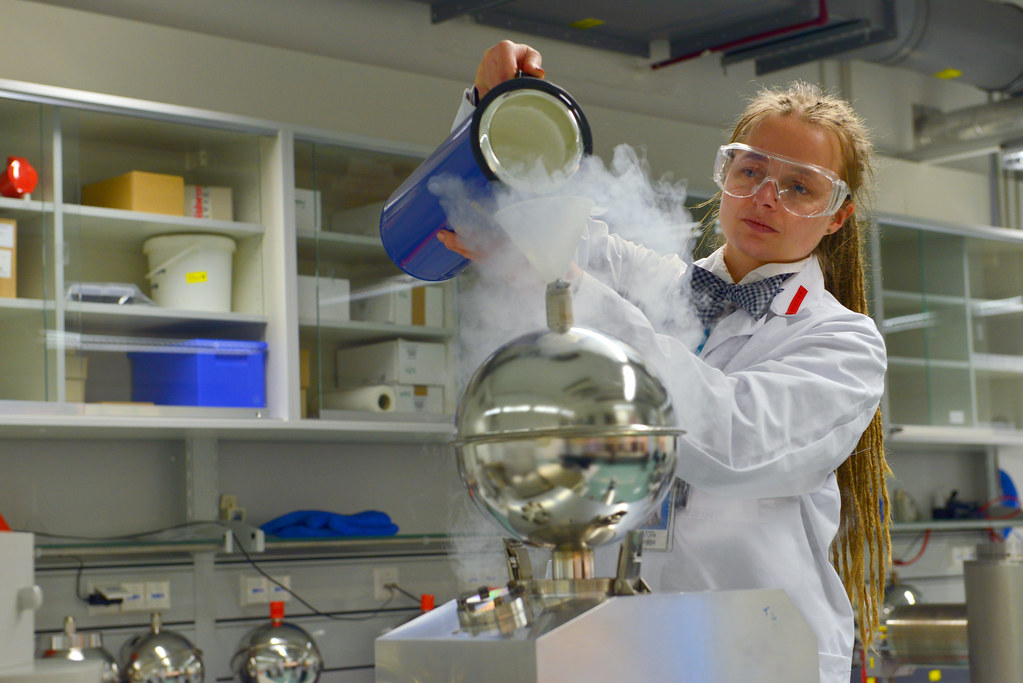
03 / Design
Build and audit protocols with evidence, materials, controls, safety checks, and feasibility gaps.
04 / Check
Resolve compounds, calculate properties, check hazards, compare molecules, and review reaction ideas.
05 / Model
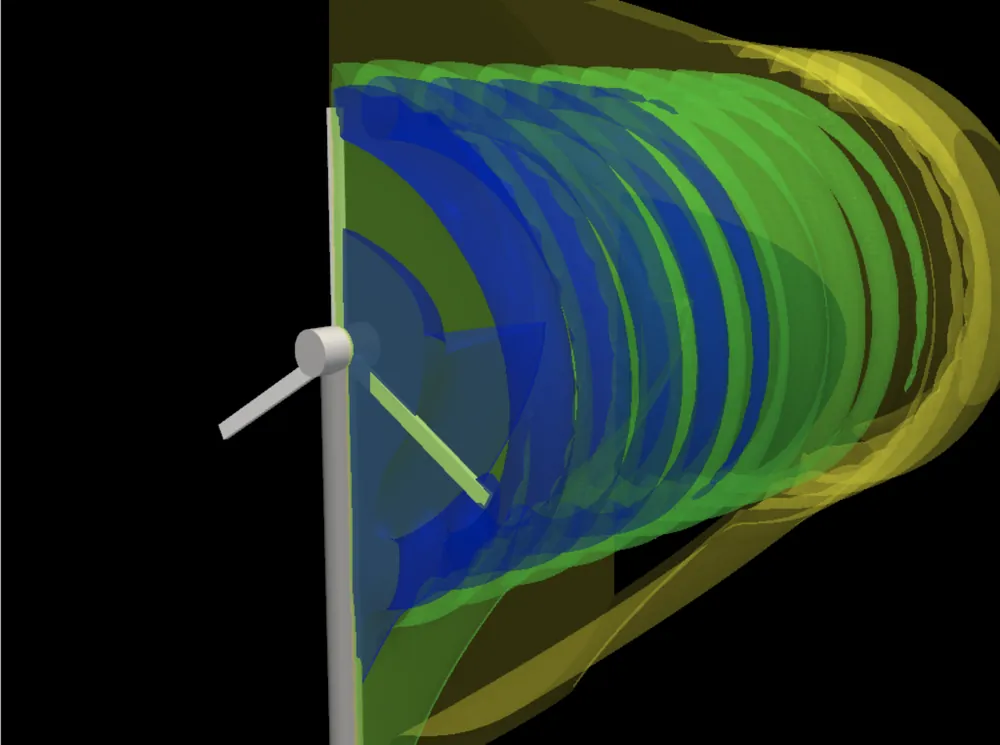
Move from imperfect geometry to validated meshes, open-source CFD, pressure and velocity fields, force histories, and inspectable notebooks.
06 / Preserve
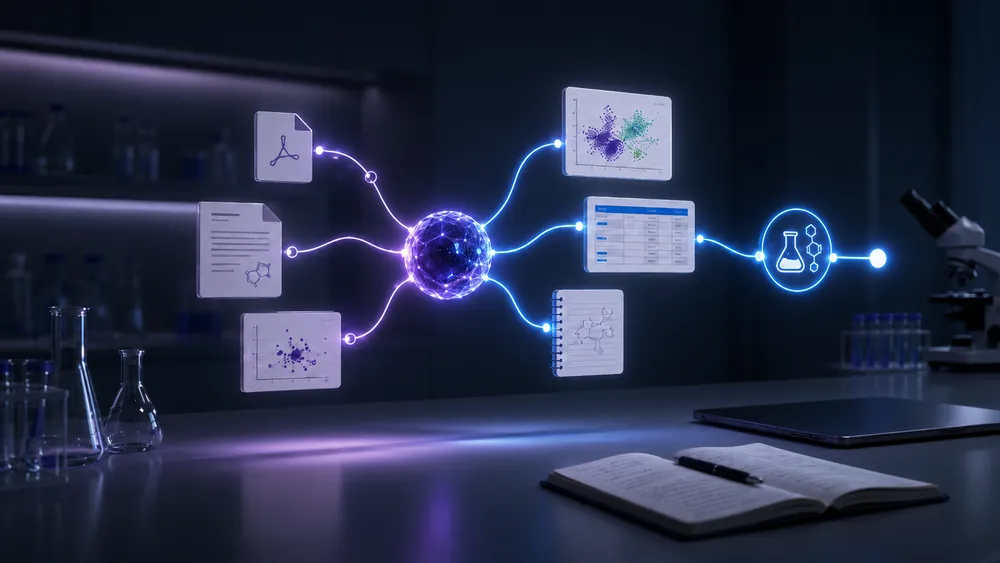
Create projects, save files, and track progress across sessions so you can come back and continue.
The best first step is a concrete scientific question. Vicena can turn that into evidence, files, calculations, and a next action plan.
Quick answers about using Vicena for experiment design, materials research, instruments, packages, notebooks, and persistent scientific work.
Yes. Vicena can help turn a research objective into an experiment plan, compare possible methods, draft protocols, identify assumptions, and audit gaps before you move to the bench or simulation.
Yes. You can ask Vicena to search literature, supplier information, patents, and technical context to identify candidate materials, instruments, reagents, methods, or measurement approaches for your project.
You can ask Vicena to install and use open-source scientific packages, as long as they fit within the storage, compute, and sandbox limits of the workspace. We are working on lifting and improving those limits.
Yes. Vicena can use Python, Jupyter notebooks, command-line tools, and installed packages to run calculations, inspect files, generate plots, and support modeling workflows.
Vicena can look at how similar work was done in the literature, identify the exact materials and instruments people used, and help find options for your own experiment. Include this directly in your experiment design request.
Tell us what is missing. We are constantly looking for scientific workflows, tools, and domains that Vicena should support better.